ASUS Transformer Book E-Manual
75
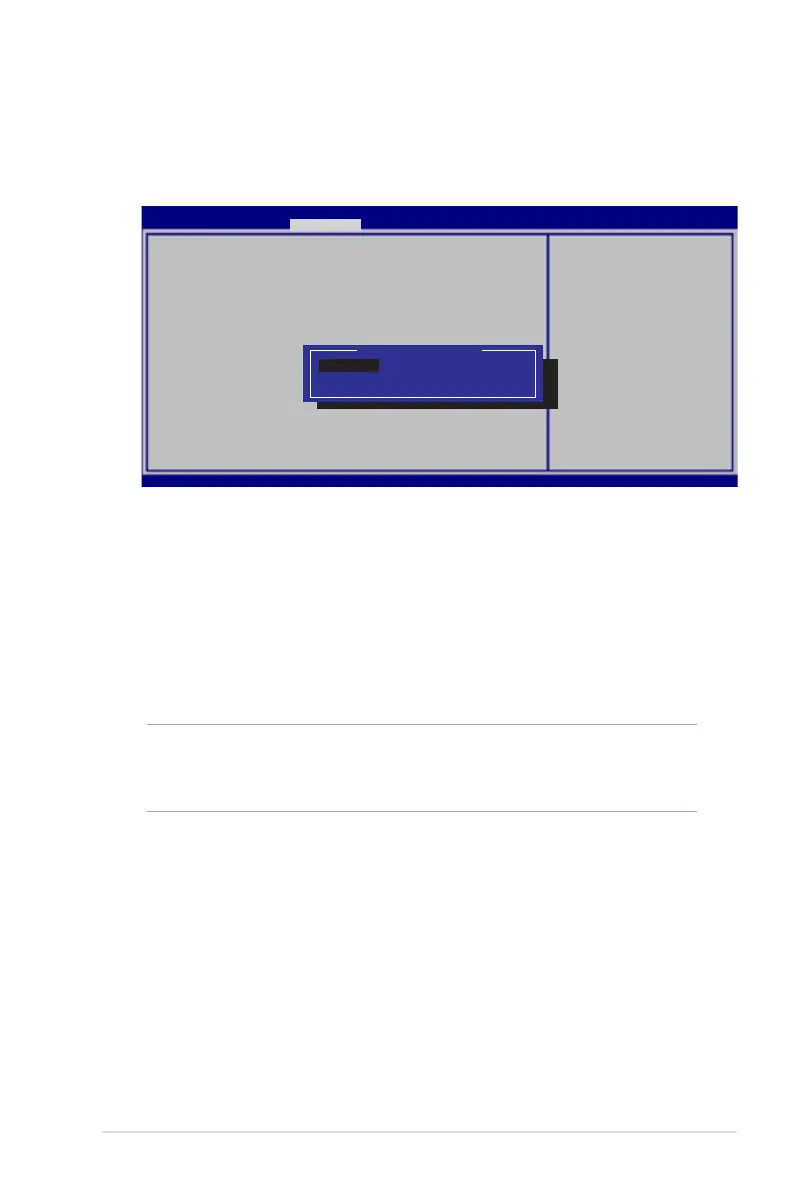
USB Interface Security
Through the I/O Interface Security menu, you can also access
USB Interface Security to lock or unlock ports and devices.
Version 2.15.1226. Copyright (C) 2012 American Megatrends, Inc.
USB Interface Security
USB Interface [UnLock]
External Ports [UnLock]
Bluetooth [UnLock]
If LOCKED, all USB
devices will
be disabled
USB Interface
Lock
UnLock
Aptio Setup Utility - Copyright (C) 2012 American Megatrends, Inc.
Security
→←
: Select Screen
↑↓
: Select Item
Enter: Select
+/— : Change Opt.
F1 : General Help
F9 : Optimized Defaults
F10 : Save & Exit
ESC : Exit
To lock the USB interface:
1. On the Security screen, select I/O Interface Security > USB
Interface Security.
2. Select an interface that you would like to lock then select
Lock.
NOTE: Setting the USB Interface to Lock also locks and hides the
External Ports and other devices included under USB Interface
Security.



 To Next Page