ASUS Transformer Book E-Manual
59
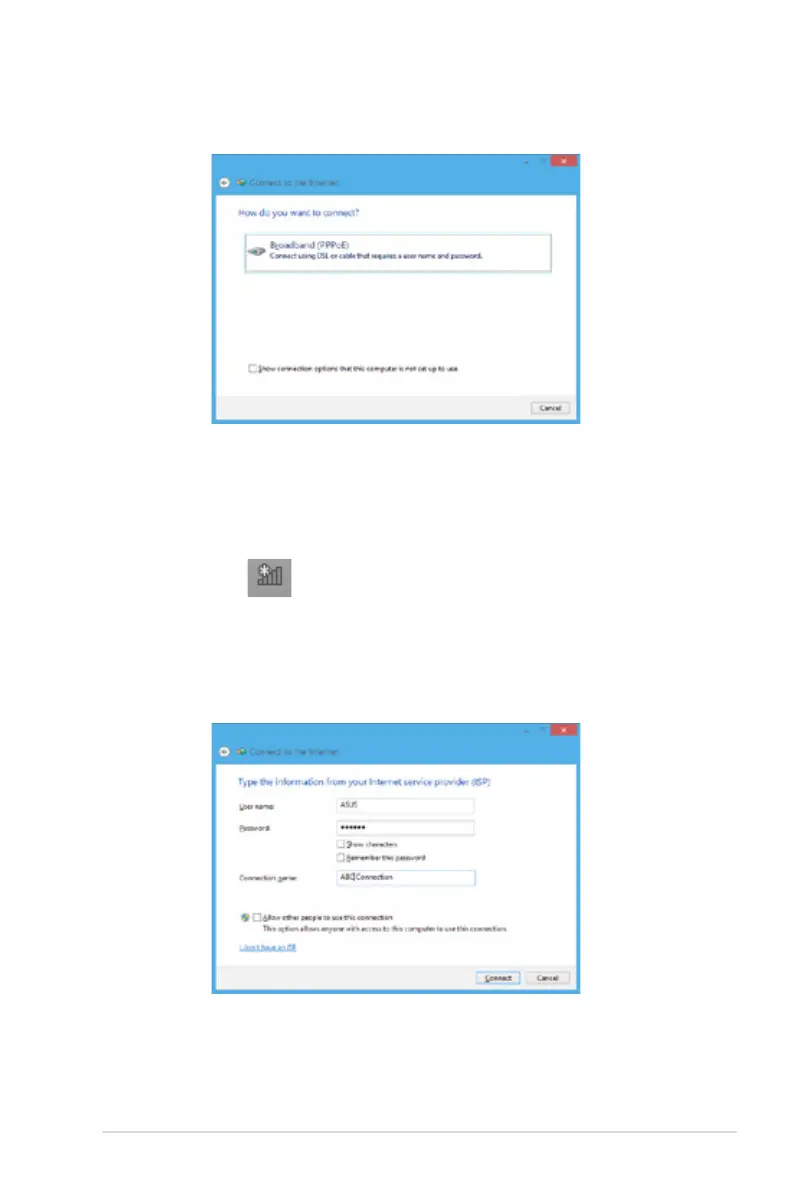
10. Type your User name, Password, and Connection name
then tap Connect.
11. Tap Close to nish the conguration.
12. Tap on the taskbar then tap the connection you
just created.
13. Type your user name and password then tap Connect
to start connecting to the Internet.
9. Tap Broadband (PPPoE).



 To Next Page