48
ASUS Transformer Book E-Manual
1. Launch the app you wish to snap.
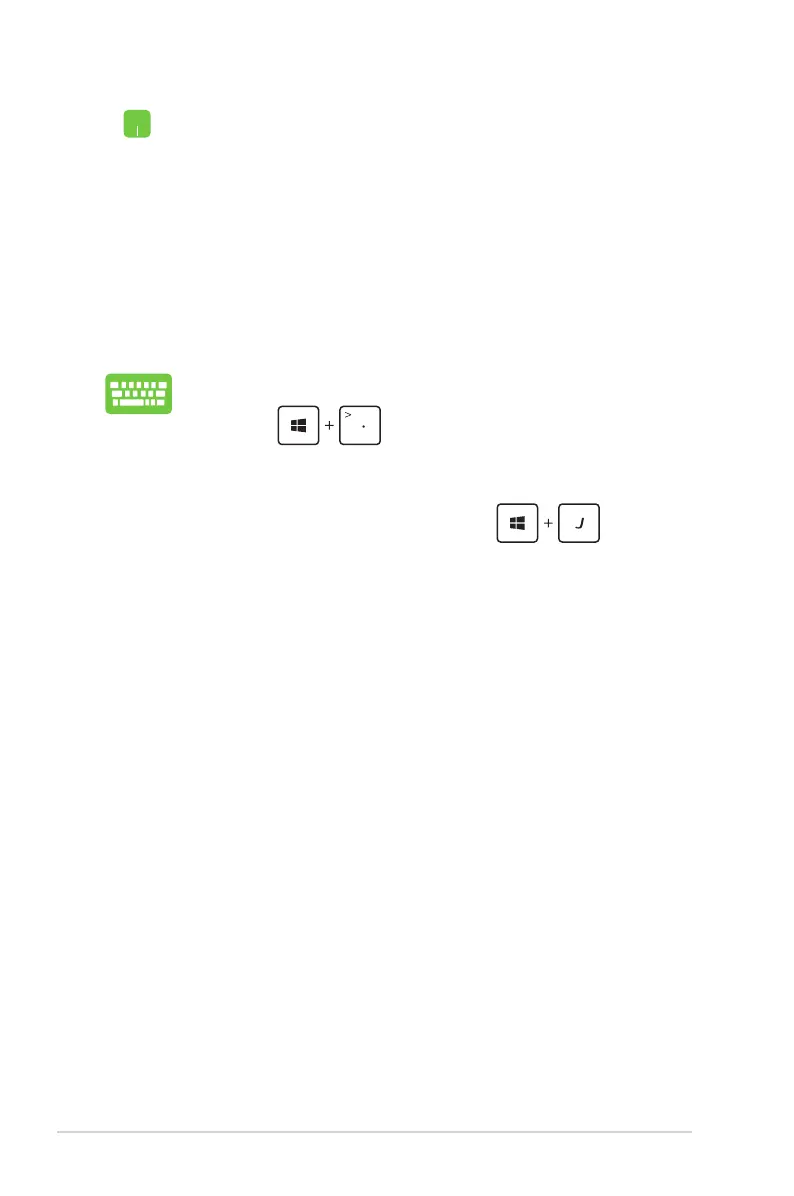
2. Press .
3. Launch another app.
4. To switch between apps, press .
1. Launch the app you wish to snap.
2. Hover the mouse point on the top side of your
screen.
3. Once the pointer changes to a hand icon, drag then
drop the app to the left or right side of the display
panel.
4. Launch another app.



 To Next Page