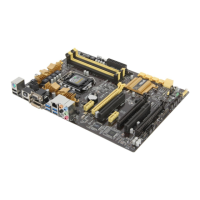
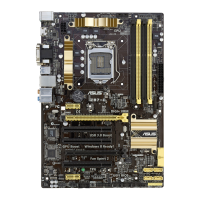
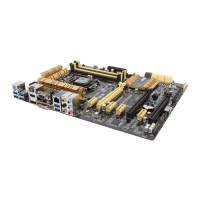
ASUS Z87M-PLUS
6-1
Chapter 6
Intel
®
technologies
6
Intel
®
2013 Desktop Responsiveness Technologies
This section details the overview of the installation and conguration procedures of the Intel
®
2013 Desktop Responsiveness Technologies.
Intel
®
2013 Desktop Responsiveness Technologies consists of three powerful technologies
that helps your system boost its speed, responsiveness and overall performance.
Below are the features of Intel
®
2013 Desktop Responsiveness Technologies:
• Intel
®
Smart Response Technology
• Intel
®
Rapid Start Technology
• Intel
®
Smart Connect Technology
Chapter 6: Intel® technologies
System Requirements
In order for the system to run smoothly for the Intel
®
2013 Desktop Responsiveness
Technologies, your system must meet the following requirements.
CPU: 4th generation Intel
®
Core™ processor family
OS: Windows
®
7 / Windows
®
8 operating systems
SSD: One dedicated SSD (Solid State Disk) to support Intel
®
Smart Response and
Intel
®
Rapid Start Technology.
Refer to the SSD Capacity Requirements table for the information of SSD size,
partition capacity and system memory requirements.
HDD: At least one HDD (Hard Disk Drive) for the system OS drive.
DRAM: To enable Intel
®
Rapid Start Technology, 8GB or less system memory is
required.
•
Ensure that you use an unpartitioned SSD to enable the Intel
®
Smart Response
Technology.
• If you choose GPT (GUID Partition Table) store type for your operating system,
ensure to reserve an unallocated space of 5MB for the Intel
®
Smart Response
Technology.



 To Next Page