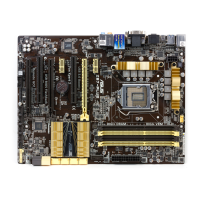
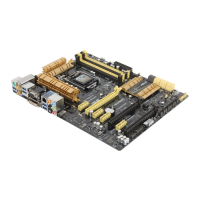
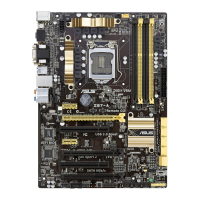
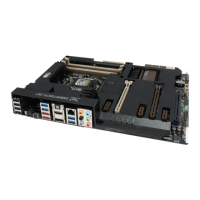
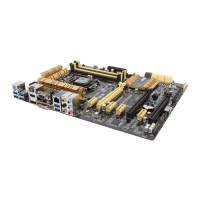
ASUS Z87M-PLUS
1-17
Chapter 1
• In single VGA card mode, use the PCIe 3.0/2.0 x16_1 slot (yellow) for a PCI Express
x16 graphics card to get better performance.
• We recommend that you provide sufcient power when running CrossFireX™ mode.
• Connect a chassis fan to the motherboard connector labeled CHA_FAN1-2 when
using multiple graphics cards for better thermal environment.
• The PCIe x16_2 slot shares bandwidth with PCIe x1_2 slot. The default setting is x2
mode. Go to the BIOS setup to change the settings.
IRQ assignments for this motherboard
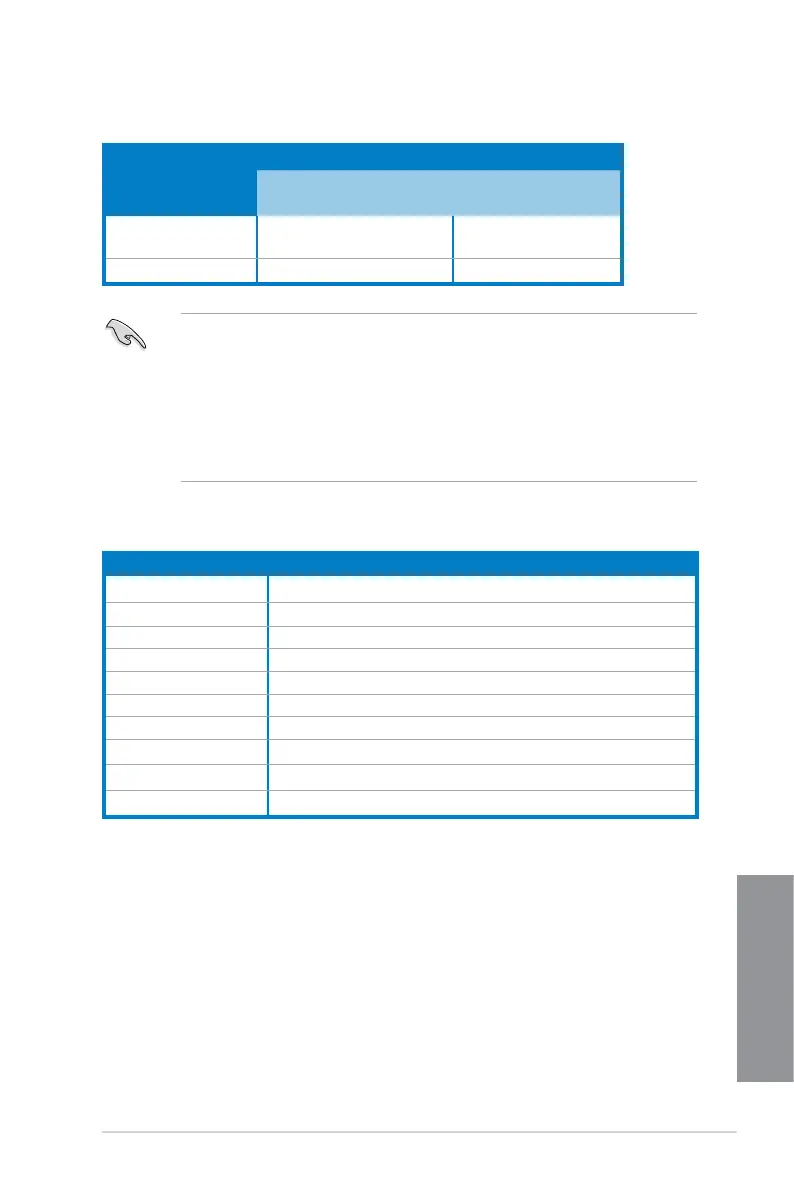
VGA conguration
PCIe Express operating mode
PCIe 3.0/2.0 x16_1 PCIe 2.0 x16_2
Single VGA/PCIe card x16 (single VGA recommended) N/A
Dual VGA/PCIe card x16 x4
A B C D E F G H
PCIe x16_1 shared – – – – – – –
PCIe x16_2 – shared – – – – – –
PCIe x1_1 – – – shared – – – –
PCIe x1_2 – shared – – – – – –
Intel SATA Controller – – – shared – – – –
Realtek LAN – – shared – – – – –
Intel xHCI – – – – – shared – –
Intel EHCI 1 – – – – – – – shared
Intel EHCI 2 – – – – shared – – –
HD Audio – – – – – – shared –



 To Next Page