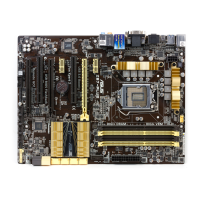
ASUS Z87M-PLUS
6-3
Chapter 6
6.1 Intel
®
Smart Response Technology
Intel
®
Smart Response Technology helps boost your system’s overall performance. It allows
you to speed up data transmission and easily retrieve your recently-used applications.
Intel
®
Smart Response Technology uses an SSD (Solid State Drive) that peforms as a cache
of your hard disk drive and system memory.
• To set up the Intel
®
Rapid Start and Intel
®
Smart Response Technologies use an SSD
that is not congured in RAID volume.
• Before enabling Intel
®
Smart Response Technology, set the SATA Mode item to [RAID
mode] in the BIOS. Refer to section SATA Conguration of your user manual for
more details.
Installing Intel
®
Smart Response Technology
To install Intel
®
Smart Response Technology:
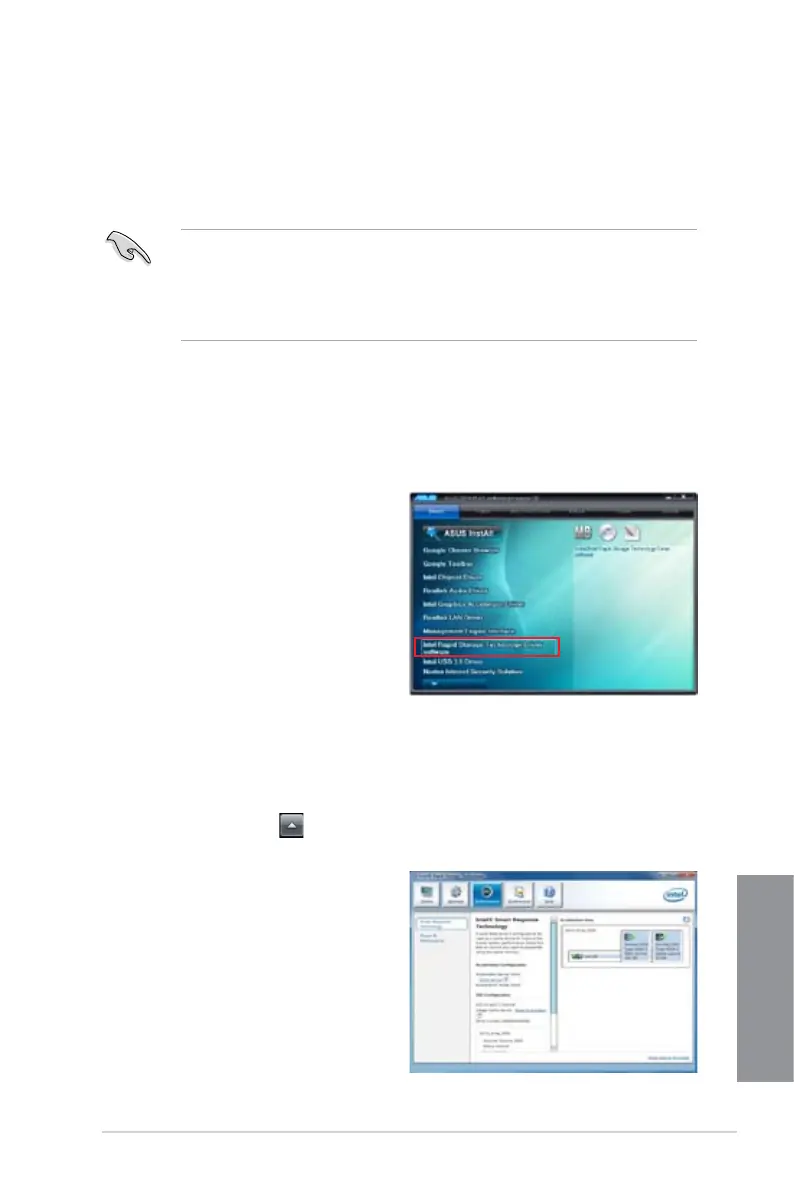
1. Place the support DVD to the optical drive. If Autorun is enabled in your computer, the
DVD automatically displays the installation wizard.
2. Click
Drivers tab, then click Intel
®
Rapid Storage Technology Driver
software.
3. Follow the onscreen instructions to
complete the installation.
Using the Intel
®
Smart Response Technology
To use the Intel
®
Smart Response Technology:
1. On the task bar, click
to show hidden icons then click Intel
®
Rapid Storage
Technology icon.
2. In Intel
®
Rapid Storage Technology
window, click Performance to open
Intel
®
Smart Response Technology
settings.
3. In the middle pane of the window, click
Select device.



 To Next Page