10
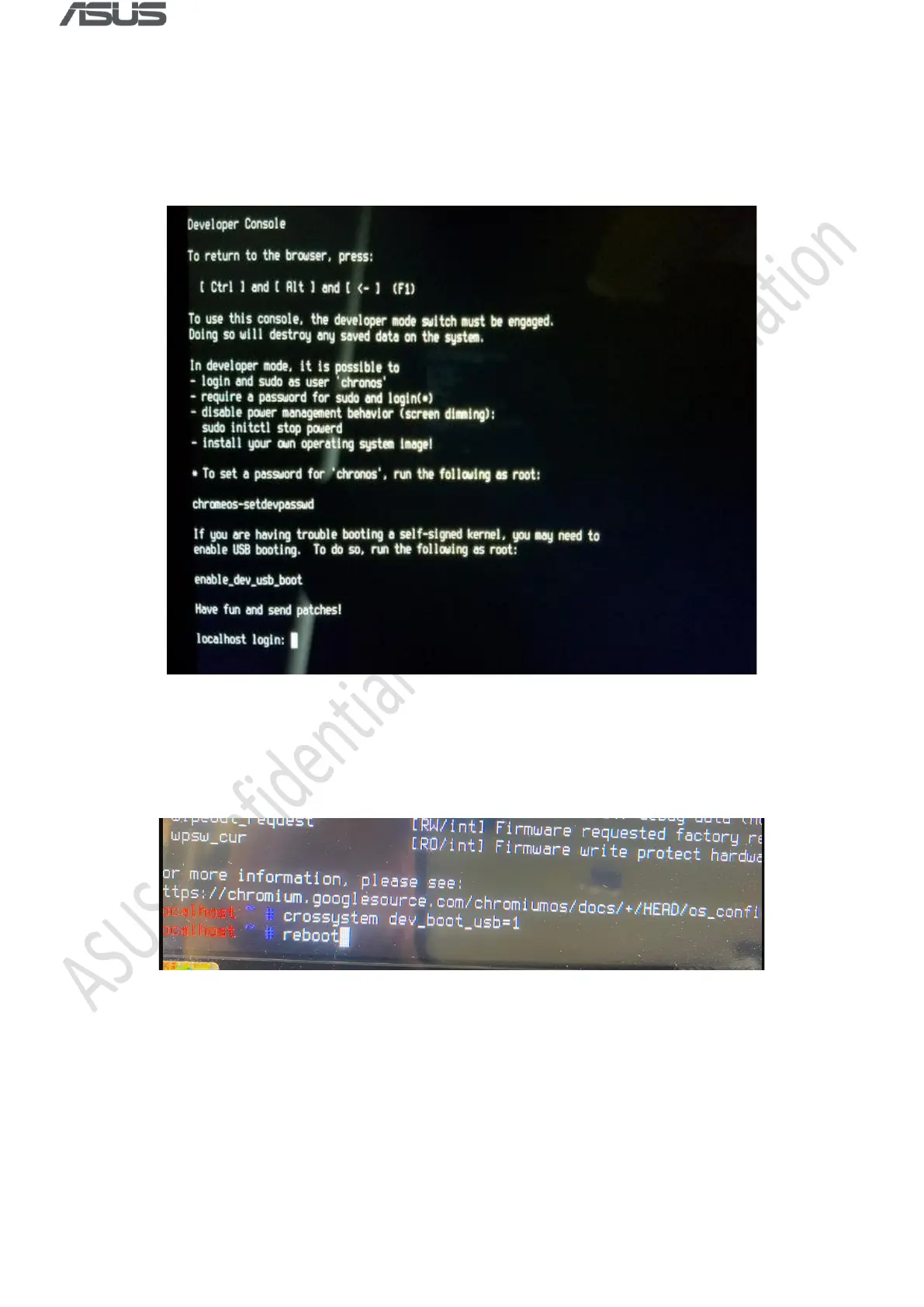
Enable USB Boot & Install RMA Shim
1) Enter Username & Password: root / test0000
2) Enter command: crossystem dev_boot_usb=1, then plug in the USB drive, and then enter
command: reboot
3) During system reboot, continuously tap Ctrl + U (long press Ctrl, then tap U) to initiate the
installation process.



 To Next Page