EasyManua.ls Logo

Atari WARLORDS - 2. Coin Mechanism Multipliers

Atari WARLORDS
53 pages
Print Icon
To Next Page IconTo Next Page
To Previous Page IconTo Previous Page
Loading...
Warlords
TM
2.
Coin
Mechanism
Multipliers
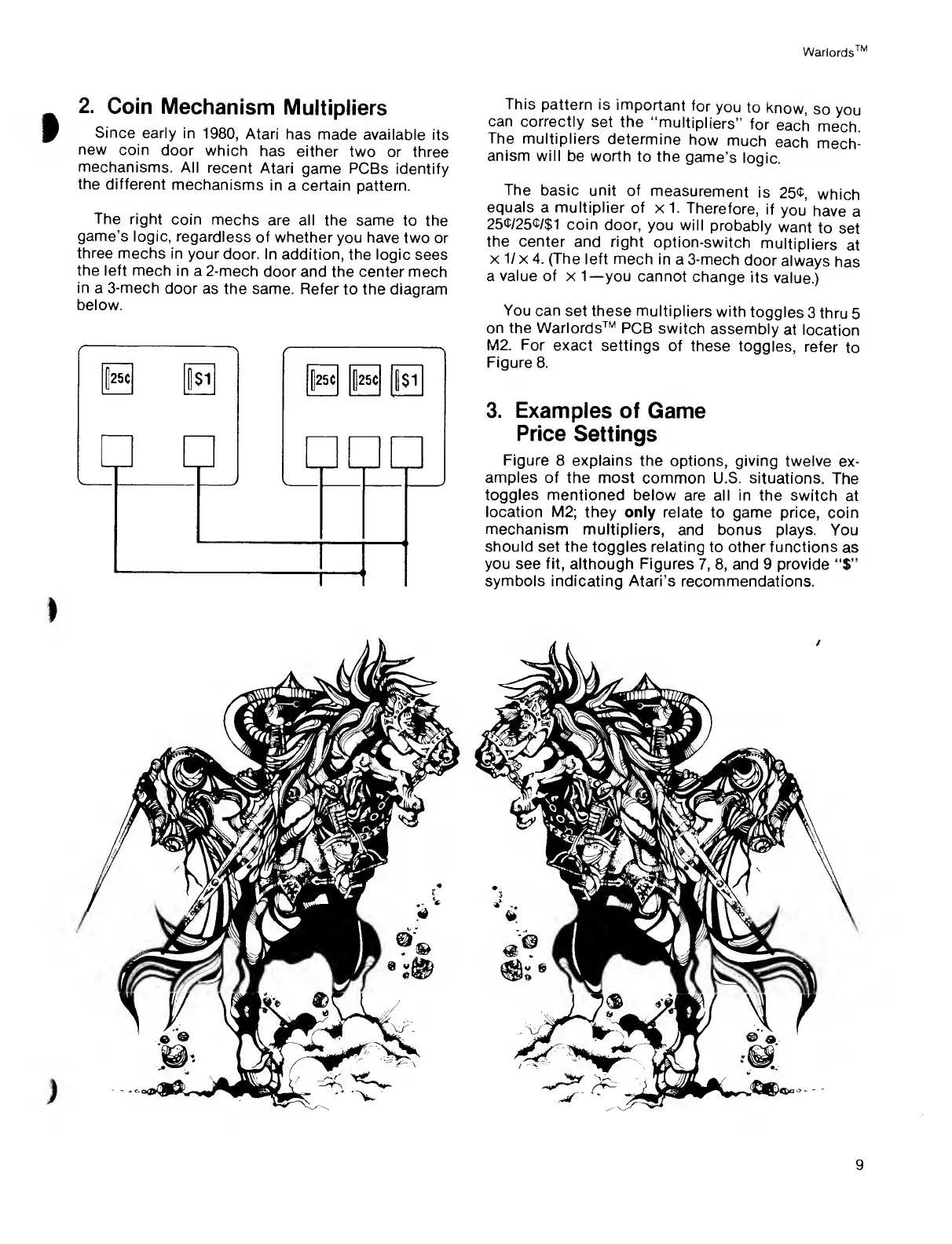
Since
early in
1980,
Atari
has
made available its
new
coin
door which
has either
two
or three
mechanisms.
All
recent Atari
game
PCBs
identify
the different
mechanisms
in a certain
pattern.
The
right
coin
mechs
are all the same
to the
game's
logic,
regardless
of whether
you have two
or
three
mechs
in your
door. In
addition, the logic
sees
the
left mech in
a
2-mech
door and the center mech
in
a 3-mech
door as
the same. Refer
to
the diagram
below.
I
This
pattern is
important
for
you
to
know,
so
you
can correctly
set the
“multipliers”
for
each
mech.
The
multipliers
determine
how
much
each
mech-
anism will
be worth
to the
game’s
logic.
The
basic unit of
measurement
is
251,
which
equals
a multiplier
of
x
1.
Therefore,
if
you
have
a
25<t/25l/$1
coin door,
you will
probably
want
to
set
the center
and right
option-switch
multipliers
at
x
1/
x
4.
(The
left mech in
a
3-mech
door
always
has
a
value
of x
1—
you cannot
change
its
value.)
You can
set these multipliers
with
toggles
3
thru
5
on the Warlords™
PCB
switch
assembly
at
location
M2. For
exact settings
of
these
toggles,
refer
to
Figure 8.
3.
Examples of
Game
Price
Settings
Figure
8 explains the
options,
giving
twelve
ex-
amples of
the most
common U.S. situations.
The
toggles mentioned
below
are
all in the
switch
at
location M2;
they
only relate to game price,
coin
mechanism multipliers,
and bonus plays.
You
should
set the toggles relating
to other functions
as
you see
fit,
although Figures
7, 8,
and
9
provide
“$”
symbols indicating Atari’s
recommendations.
9

Related product manuals