- 7 -
3. To use the USB 2.0 mouse port as a USB hub, you
must first disable mouse emulation mode.
See Hotkey Summary Table, page 15 for
information.
System Requirements
Console
A DVI monitor capable of the highest resolution that you will
be using on any computer in the installation
A USB Keyboard and a USB Mouse
Speakers and microphone (optional)
Computers
The following equipment must be installed on each computer that
is to be connected to the system:
A DVI video port
USB Type A port
Speaker and microphone ports (optional)
Cables
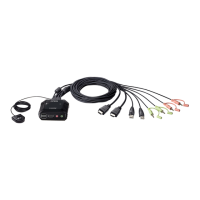
The CS682’s innovative design features built-in KVM and audio
cables for extra convenience. No further cables are necessary.
cs682.fm Page 7 Friday, October 31, 2014 11:52 AM



 To Next Page