EasyManua.ls Logo

ATEN KL1108VN - User Manual

ATEN KL1108VN
303 pages
Print Icon
To Next Page IconTo Next Page
Loading...
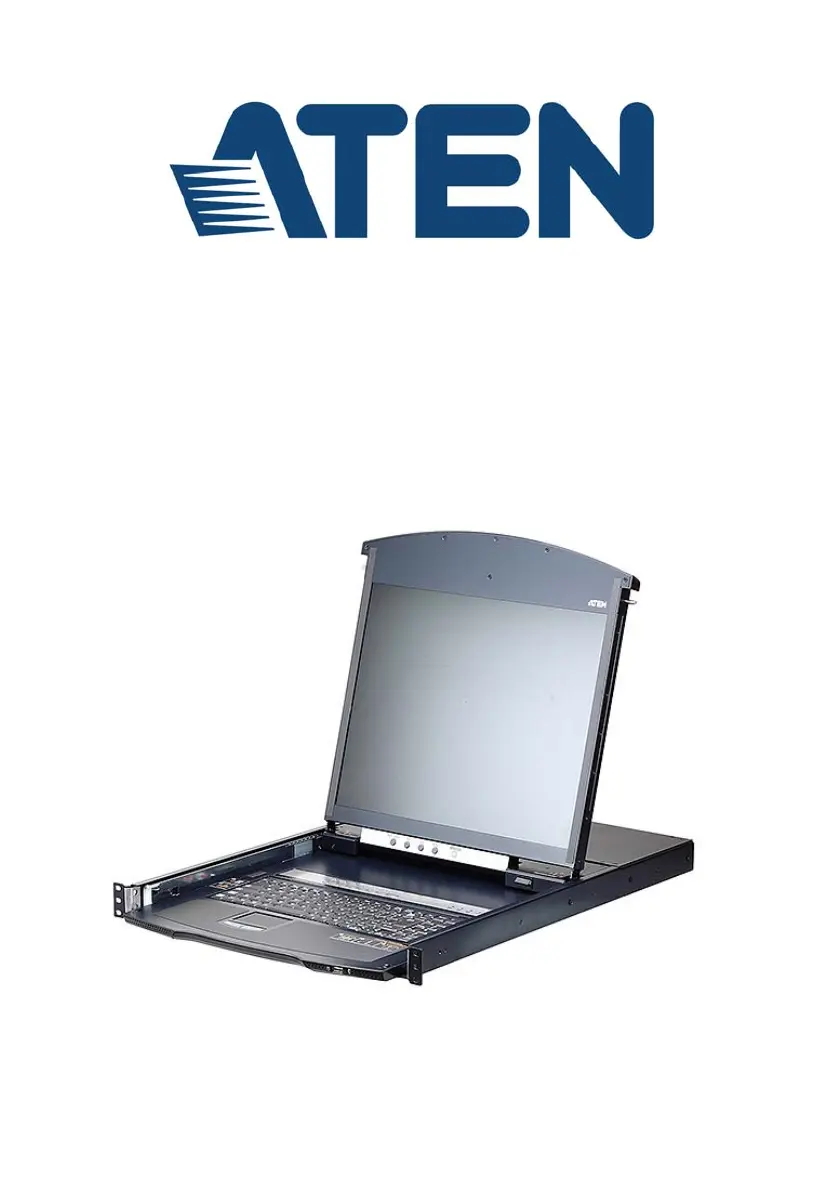
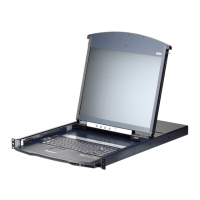
8/16-Port Cat 5 Dual Rail LCD KVM over IP Switch
KL1108VN / KL1116VN
User Manual
www.aten.com

Table of Contents

Questions and Answers

  • M
    Mary BrownAug 20, 2025
    How to access ATEN KL1108VN behind a router?
    • C
      christopher85Aug 20, 2025
      If the ATEN KL1108VN / KL1116VN switch is behind a router, you need to configure the router's Port Forwarding (Virtual Server) feature to allow access to the switch.
  • D
    Diane FernandezAug 22, 2025
    What to do if I experience a sudden loss of network connection to ATEN KL1108VN?
    • S
      shellyhudsonAug 22, 2025
      If you encounter a sudden loss of network connection with your KVM over IP switch, close your current connection and wait approximately 30 seconds before logging in again.
  • A
    Alyssa MurrayAug 25, 2025
    How to fix ATEN KL1108VN / KL1116VN still using old firmware after upgrade?
    • C
      Christopher HillAug 25, 2025
      If the ATEN KL1108VN / KL1116VN appears to still be running the old firmware after an upgrade, your internet browser may be displaying cached web pages. To resolve this, clear your browser cache, delete all temporary internet files and cookies, close the browser, and then open a new browser instance.
  • C
    Caitlin CarrollAug 26, 2025
    How to resolve erratic operation of ATEN Switch?
    • C
      cmooreAug 26, 2025
      To resolve erratic operation of the ATEN Switch, press and hold the Reset Switch for longer than three seconds.
  • D
    David MillsAug 27, 2025
    What to do if sudden loss of network connection due to local reset of ATEN KL1108VN / KL1116VN?
    • C
      Catherine LopezAug 28, 2025
      If you experience a sudden loss of network connection due to a local reset of the ATEN KL1108VN / KL1116VN, close your current connection, wait about 30 seconds, and then log in again.
  • D
    daviddonovanAug 29, 2025
    Why are there ghost images on the external monitor connected to ATEN Switch?
    • C
      Chad MillerAug 29, 2025
      If you see ghost images on the external monitor connected to the ATEN KL1108VN / KL1116VN, the VGA cable might be too long. Replace it with a shorter cable.
  • M
    Michael LeachAug 31, 2025
    Why can’t I set screen resolutions higher than 1280 x 1024 on ATEN KL1108VN / KL1116VN?
    • J
      Jonathon BuckleyAug 31, 2025
      If you can't set the screen resolution higher than 1280 x 1024 on the connected computers, even though the ATEN KL1108VN / KL1116VN supports 1920 x 1200 for remote computers, it's because the integrated LCD monitor's maximum resolution is 1280 x 1024. It is recommended to set the connected computers to a screen resolution of 1280 x 1024 or lower.
  • J
    Joshua OconnorSep 2, 2025
    What to do if the LCD monitor screen goes blank on ATEN KL1108VN Switch?
    • C
      Christopher GarciaSep 2, 2025
      If the LCD monitor screen goes blank when you switch to one of the computers, it's likely that the screen resolution of that computer is set too high for the ATEN KL1108VN / KL1116VN's LCD monitor to display. Connect an external KVM console (with a monitor capable of displaying the problem computer’s screen resolution) to the KL1108VN / KL1116VN’s external console ports.
  • D
    Donald ClaytonSep 4, 2025
    Why am I unable to log in to my ATEN KL1108VN Switch account?
    • S
      Steven GreenSep 4, 2025
      If you are unable to log in to the ATEN switch, consider the following: 1. Ensure that you have entered your username and password correctly. 2. Verify that the administrator has granted you the necessary permissions to access the switch. 3. Check with your administrator to see if the switch is under CC management. If it is, the administrator will need to disable CC management on the switch or deselect it on the CC server.
  • J
    Jennifer JordanSep 6, 2025
    What does '404 Object Not Found' mean when logging into ATEN KL1108VN Switch?
    • S
      Shane WhiteSep 6, 2025
      If you encounter the message '404 Object Not Found' when logging in from a browser, make sure you include the forward slash and the correct login string when specifying the KVM over IP switch IP address.

ATEN KL1108VN Specifications

General IconGeneral
BrandATEN
ModelKL1108VN
CategorySwitch
LanguageEnglish

Related product manuals