1700 Technology Drive, San Jose, CA 95110
t: 408/773-5200
f: 408/773-9940
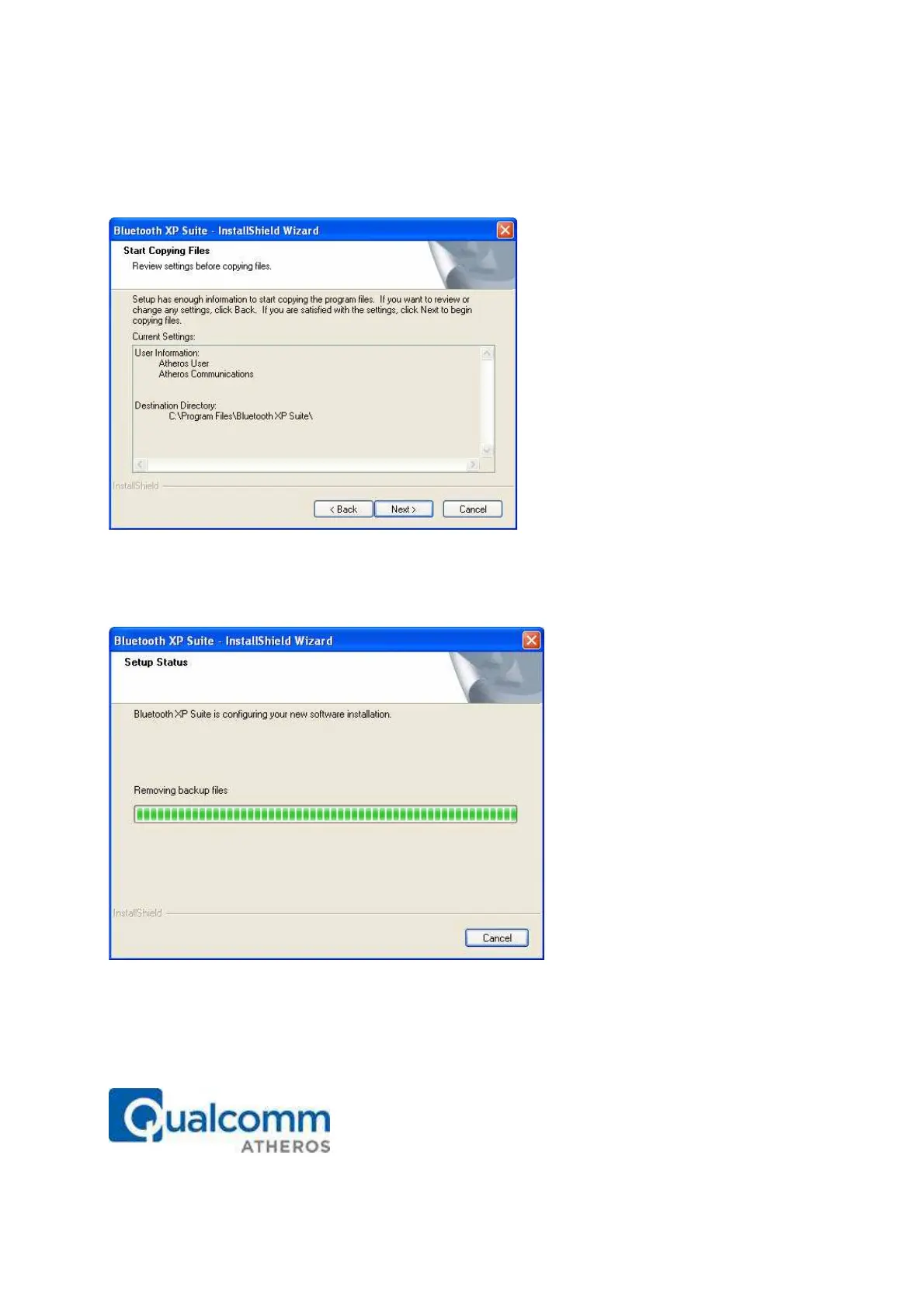
information, setup type, and destination directory. This allows you to review and
modify the setup information. See Figure 2-4.
Figure 2-4. Bluetooth Suite - Start Copying Screen
7. Click Next. The Bluetooth Suite begins to configure and copy the new software. It
also removes any backup files. When the Bluetooth Suite installation is complete, you will
see the Finish screen. See Figure 2-5.
Figure 2-5. Bluetooth Suite - Installation Setup Status
8. When prompted to restart your computer, select Yes, I want to restart my
computer now option and click Finish.



 To Next Page