09
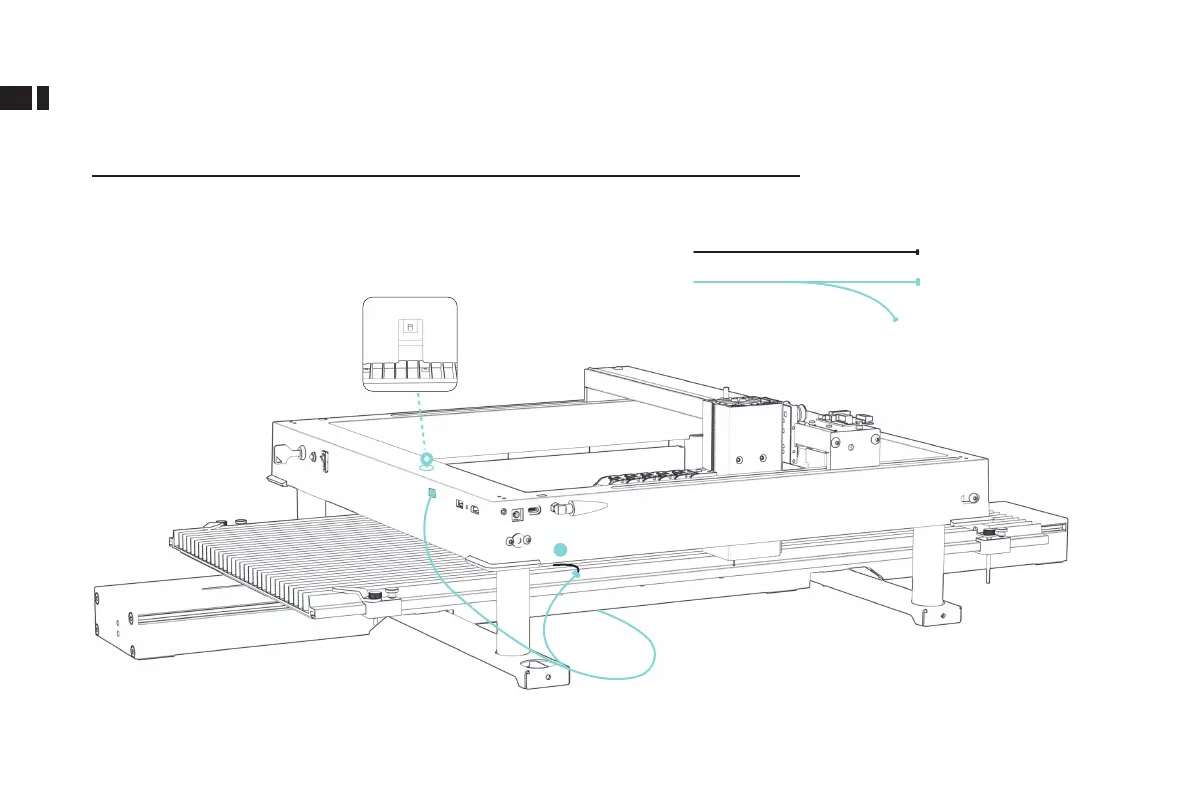
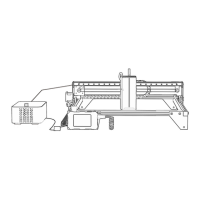
1.Locate the switch on lower right corner of engraver, unplug the connector.
2.Pull out the conveyor harness. Position switch and Y-axis switching po
connecting the conveyor and engraving machine.
3.After plugging in the cable, ip the Y-axis switch downward.
Wiring method 1:
Connect the cable
(When your engraving machine has a Y-axis switching po)
Machine line connector
Conveyor line connector
1



 To Next Page