4
Clock and day setting
1. Press the Day button to set the day.
2. Use the Hour and Min buttons to
set the clock.
3. Press the
button to exit.
The clock must be set
when the time is incorrect
or flashes on the screen.
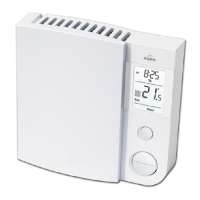
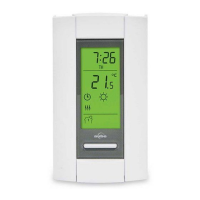
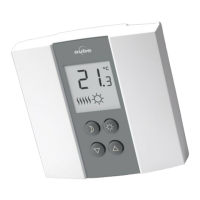
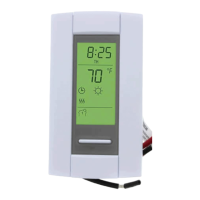
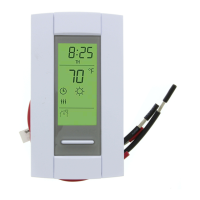
Controls
Day button
Hour button
Minute button
Program button
Return button
Mode button (see pages 5 and 6)
Backlit screen*
Up and Down buttons
* The screen is backlit for 12 seconds when you press any button.








 To Next Page