Bluetooth - Pairing
your hearing aids
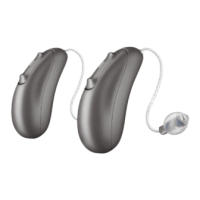
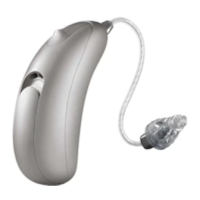
Your Wave hearing aids have built-in Bluetooth®
connectivity, allowing you to connect with devices
that support Bluetooth 4.2 or higher, including
most modern Apple iOS or Android devices.
When connected to a smartphone your hearing aids
are able to play music and answer calls hands-free.
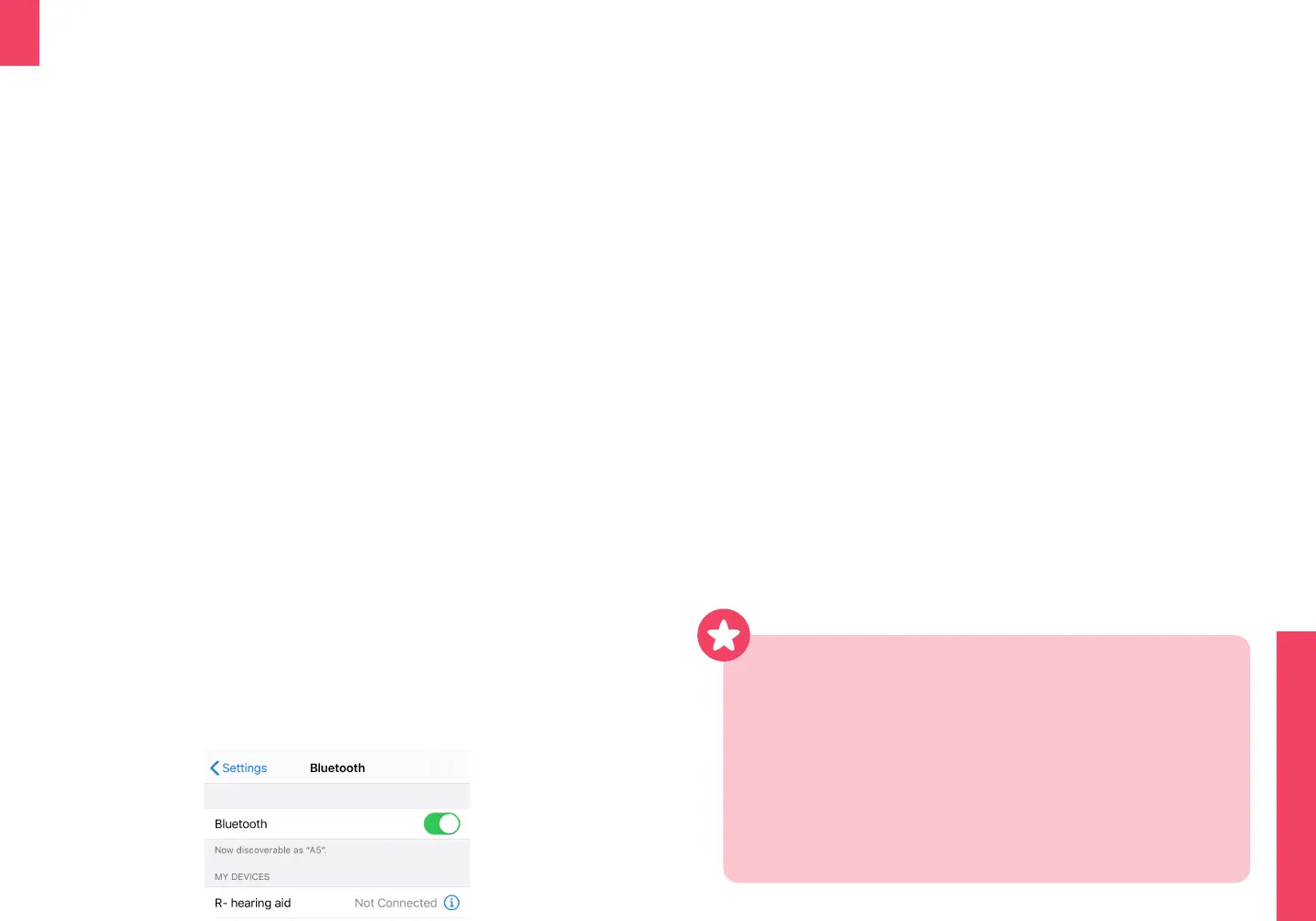
In your phone’s settings menu:
●
Turn on Bluetooth
●
Search for new devices
Hearing aid pairing starts automatically on start-up
●
The Wave hearing aids enter Bluetooth pairing
mode for 3 minutes aer being turned on
●
From the list of available devices select your
hearing aid to simultaneously pair both devices.
Only one hearing aid needs to be selected.
●
The hearing aids will play a melody when
successfully paired with your phone
●
Pairing is only necessary once per phone
●
Bluetooth connection will extend to 30 / 10m but
can be reduced by obstructions in a purse or pocket
●
Bluetooth connectivity will cause battery drain. If the
hearing aids are disconnected or not connected via
Bluetooth there will be no extra battery loss
●
See audicus.com/support for details on an app with
more advanced Bluetooth functionality
Once paired, your hearing aids will automatically
reconnect when in range of your phone. This
reconnection can take up to 2 minutes.
Hands free calls
●
When paired, phone calls are automatically
transferred to your hearing aids. Your voice is
picked up by the hearing aid’s microphones
●
To accept an incoming call, you will first hear a
notification through the hearing aids
●
The call can be accepted by a short press on the
multi-function button (either UP or DOWN) or
rejected with a long press (over 2 seconds)
●
Alternatively, accepting the phone call on your
phone will transfer the call to your hearing aids
●
End a call with a long press on your multi-function
button (either UP or DOWN)


 To Next Page