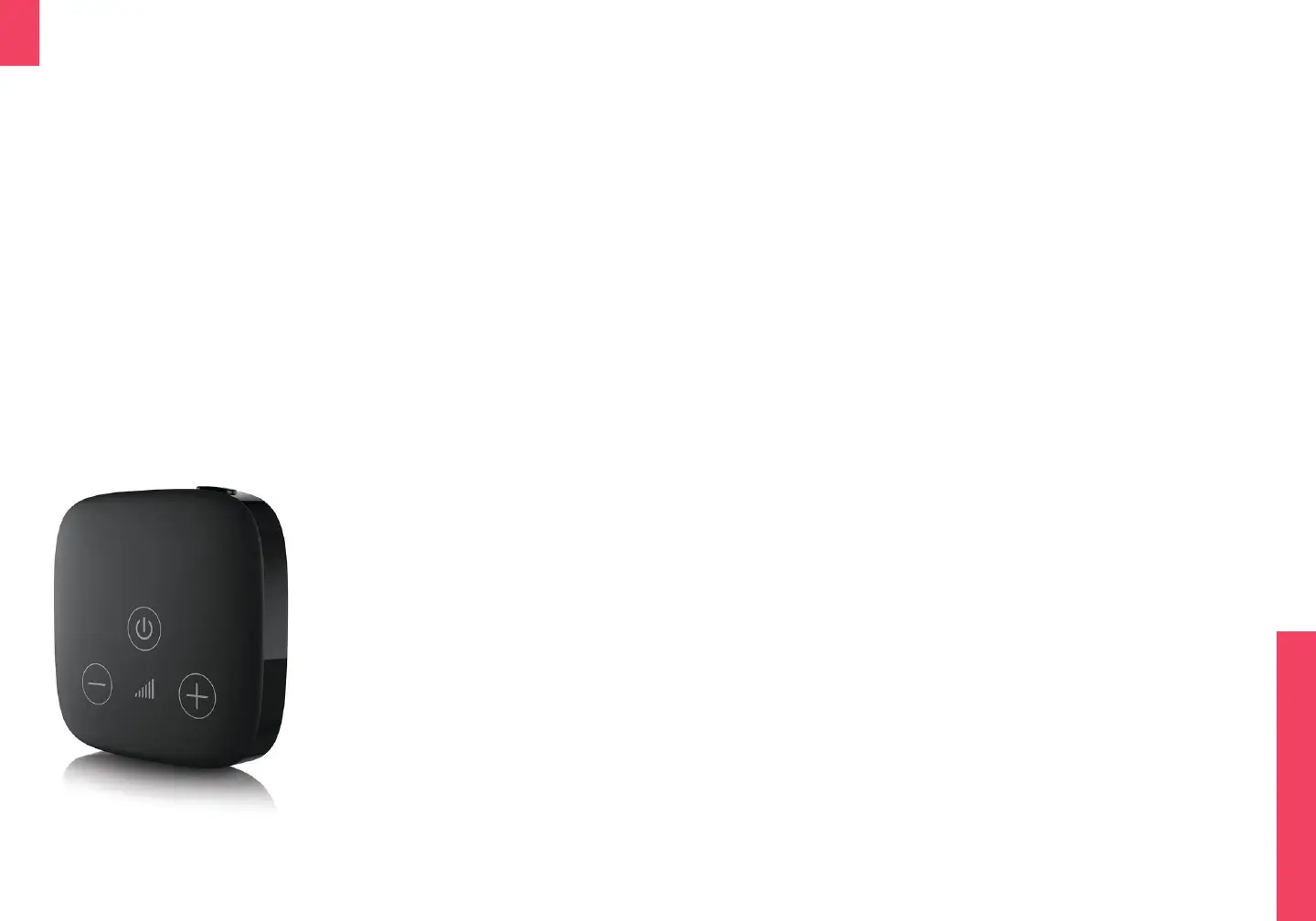
TV Connector
The TV Connector is an optional accessory pur-
chased separately that allows a direct connection
between any audio source (TV, stereo, laptop, etc.)
to Wave hearing aids within 50 / 15m.
The TV Connector accepts audio signals via either a
3.5mm audio cable or a digital optical TOSLINK.
The TV Connector requires an audio source input
and a USB power source and will automatically
connect to all Wave hearing aids within range. For
more information go to audicus.com/tv-connector
If your TV can connect to
Bluetooth headphones
directly, a TV connector
may not be required.
However, the TV connector
makes it very easy to
connect multiple pairs of
Wave hearing devices.
Flight mode
The wireless and Bluetooth functions of your
hearing aid can be temporarily disabled in flight
mode. This will not disable normal hearing aid
functionality.
To enter flight mode:
1. Turn OFF the device by pressing and holding
the DOWN button (see page “Turning o / on”)
2. Press and hold the DOWN button on the
hearing aid for 7 seconds until an orange LED
light is seen.
To exit flight mode:
1. Turn OFF or charge the hearing aid. Wireless
functionality will resume when turned back on.


 To Next Page