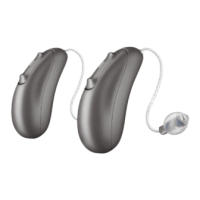
Charging your
hearing aids
Charge your hearing devices prior to first use
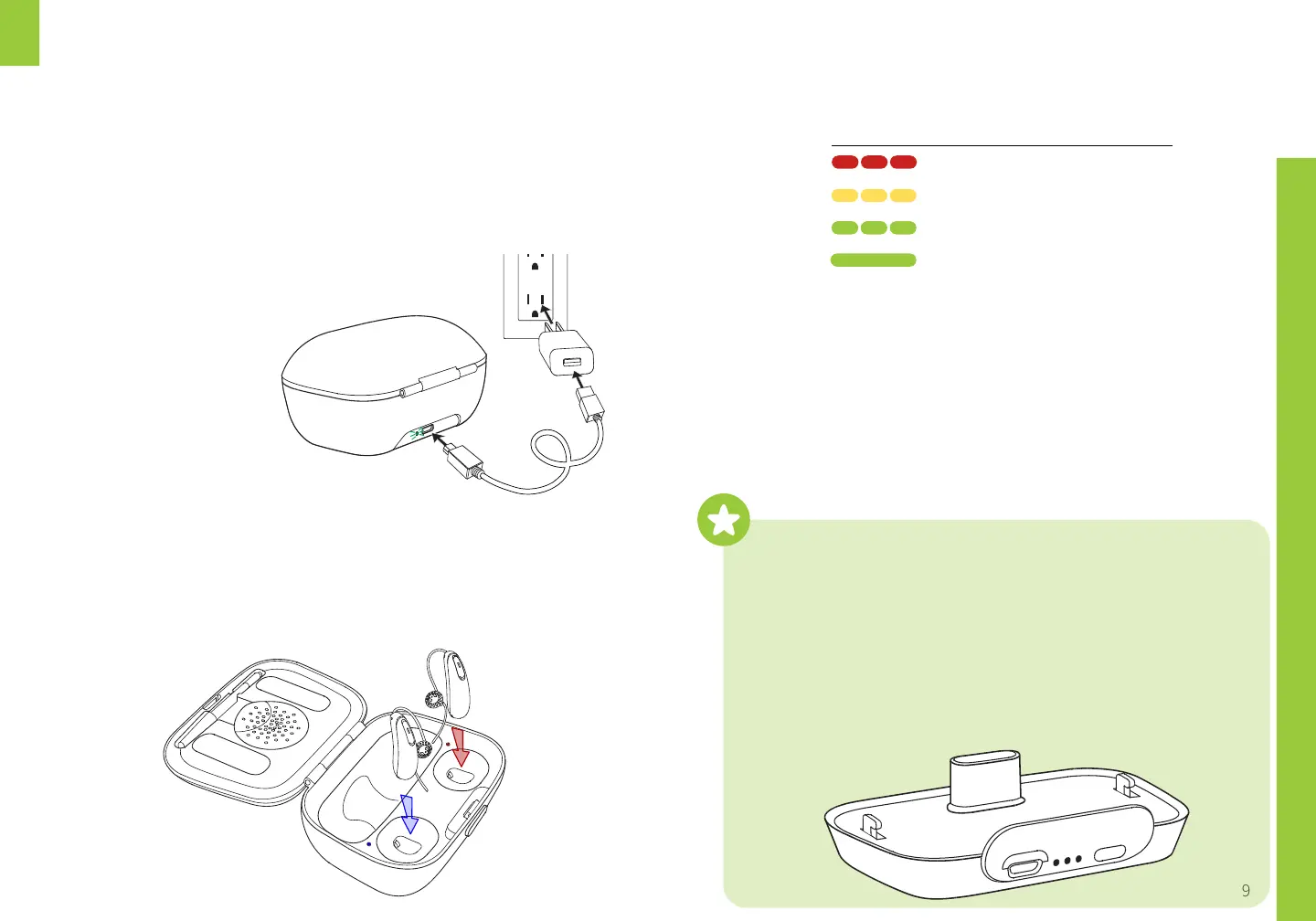
1. Power the charging case via the included USB cable
The charging case will show a steady
green light when powered correctly
●
2. Gently insert your devices into the charging case.
Match the colored marker on the device to the
indicator on the charging case. The LED light on
the hearing aid will turn on while the device
charges.
3. When the LED indicator shows a steady green,
your devices are fully charged and ready for use.
4. Hold the hearing aids by the plastic shell to
remove. The LED will flash green when removed.
Do not pull the hearing aids by the wires as this
may damage the device.
LED light Charge %
Red flash 0 – 10%
Yellow flash 1 – 80%
Green flash 81 – 99%
Steady green 100%
●
To keep your aids charged at all times we recommend
purchasing an extra Charging Case or the Power Pack
●
The Power Pack is an excellent accessory to keep your
aids charging in your pocket: audicus.com/powerpack
●
Simply connect onto the bottom of the charging case,
and plug in via USB as you would normally.
●
A Power Pack gives you several days of on-the-go charging


 To Next Page