7
SD/MMC CARD INSTALLATION AND REMOVE
Press the card towards the SD/MMC CARD slot until it reaches the terminal. To remove the
SD/MMC card, hold the edge and take it out.
SD/MMC CARD PLAYBACK
1. Set the FUNCTION switch to CD/MP3/USB/SD/AUX position, press "STANDBY" button to
turn on the unit. Then press and hold the the PLAY/PAUSE/SD button to select SD playing
mode.
2. Connect the SD/MMC card to the SD/MMC CARD INPUT slot. The LCD will display the total
number of albums and tracks stored inside the card.Then the playback to start playing.
3. Press the PLAY/PAUSE/SD button to temporarily stop. The play time will flash.
4. Press the STOP/USB button to stop playing. The display will show total number of albums
and tracks.
5. The function are the same as per MP3 playback.
AUX-IN OPERATION
This unit has provided special AUX-IN jack, through this jack other audio sources can be
connected to this unit and be amplified.
1. Set the FUNCTION switch to CD/MP3/USB/SD/AUX position, press "STANDBY" button to
turn on the unit
2. Connect the audio cable into the AUX jack and the other end connect to the AUDIO OUT
jack of the external audio source. The unit will change to AUX mode automatically.
3. Press PLAY of the external audio source (eg. MP3 player) to start playback.
4. Adjust the volume by the VOLUME control of this unit.
COMPACT DISC MAINTENANCE
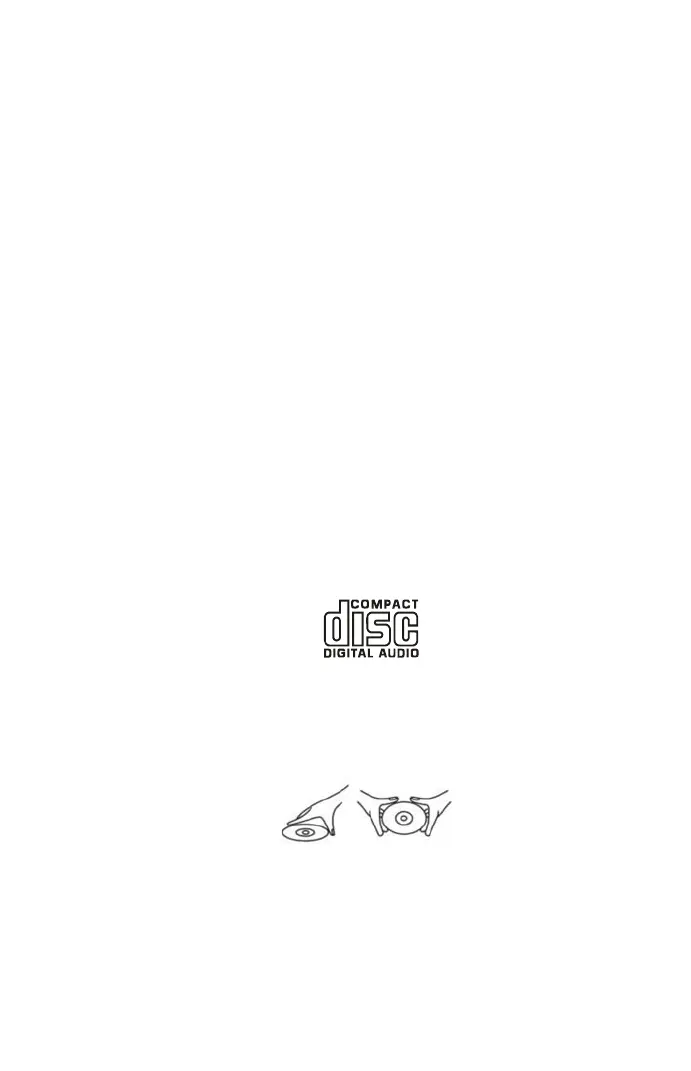
1. Always use a compact disc bearing the mark as shown.
2. Notes on handling discs
z Removing the disc from its storage case and loading it.
z Do not touch the reflective recorded surface.
z Do not stick paper or write anything on the surface.
z Do not bend the disc.
3. Storage
z Store the disc in its case.
z DO not expose discs to direct sunlight or high temperatures, high humidity or dusty
places.
HANDLE DISC ONLY AS SHOWN


 To Next Page