B:
Operation
- 3
The MENU
The menu enables you
to
customize the unit and optimize the interface with other equipment
in
your system.
6000A has 6 different menu pages.
Press
the
MENU
key
on the remote control
to
enter menu mode, and then press
1+1
or
►~
to
turn
to
different menu
pages,
press
►
II
to
enter any
menu
page,
press
I
◄◄
or
►►
I
again
to
select different settings, Pressing the
MODE
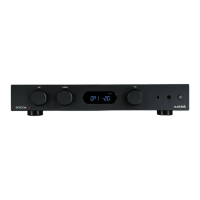
knob on the
front
panel
can
also enter the menu mode, rotating this knob turns through the menu
pages; press the
MODE
knob again
to
enter any menu page and rotate the knob
to
change the setting, press the
MODE
knob again
to
select a setting.
No operation
for
5 seconds will also exit menu mode automatically
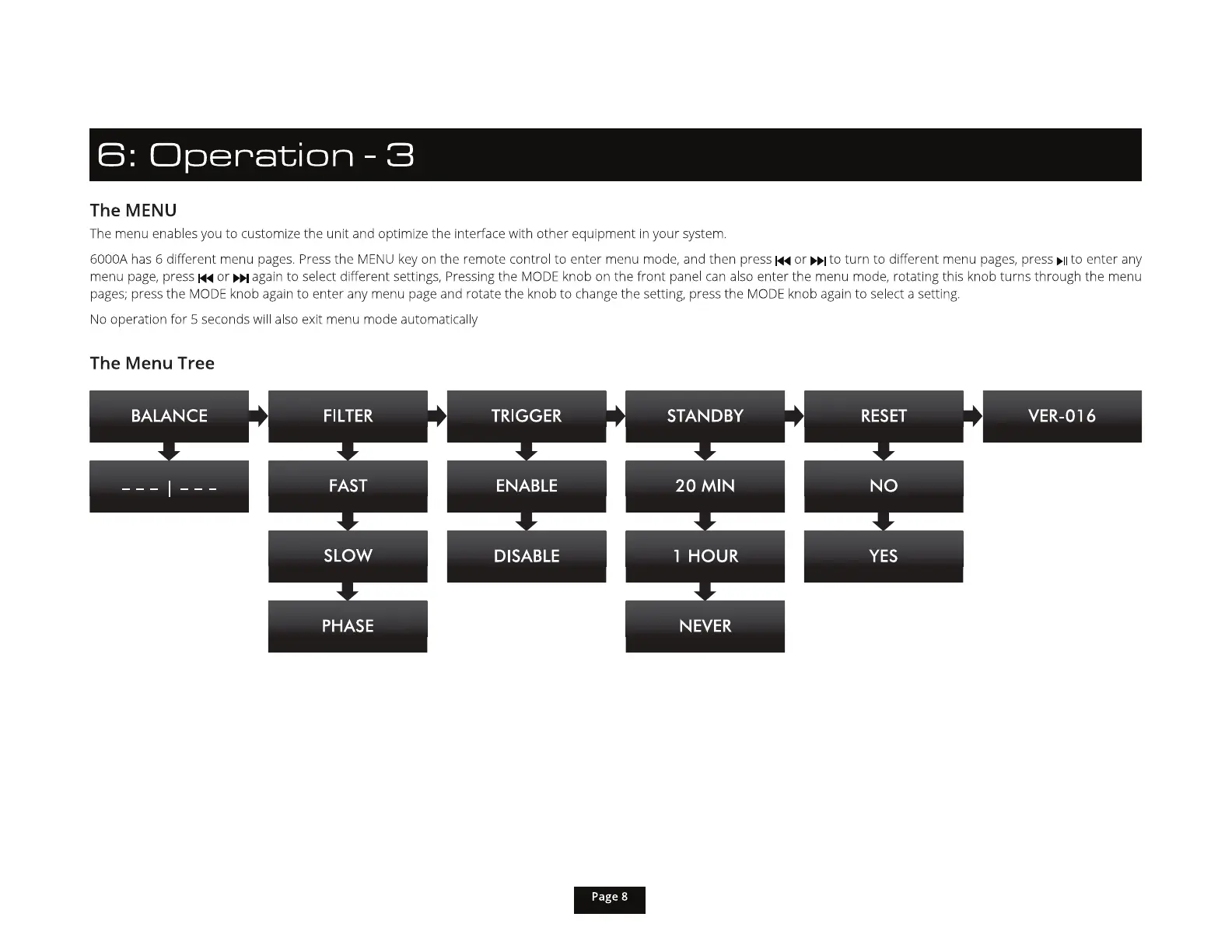
The Menu Tree
fiWfl



 To Next Page