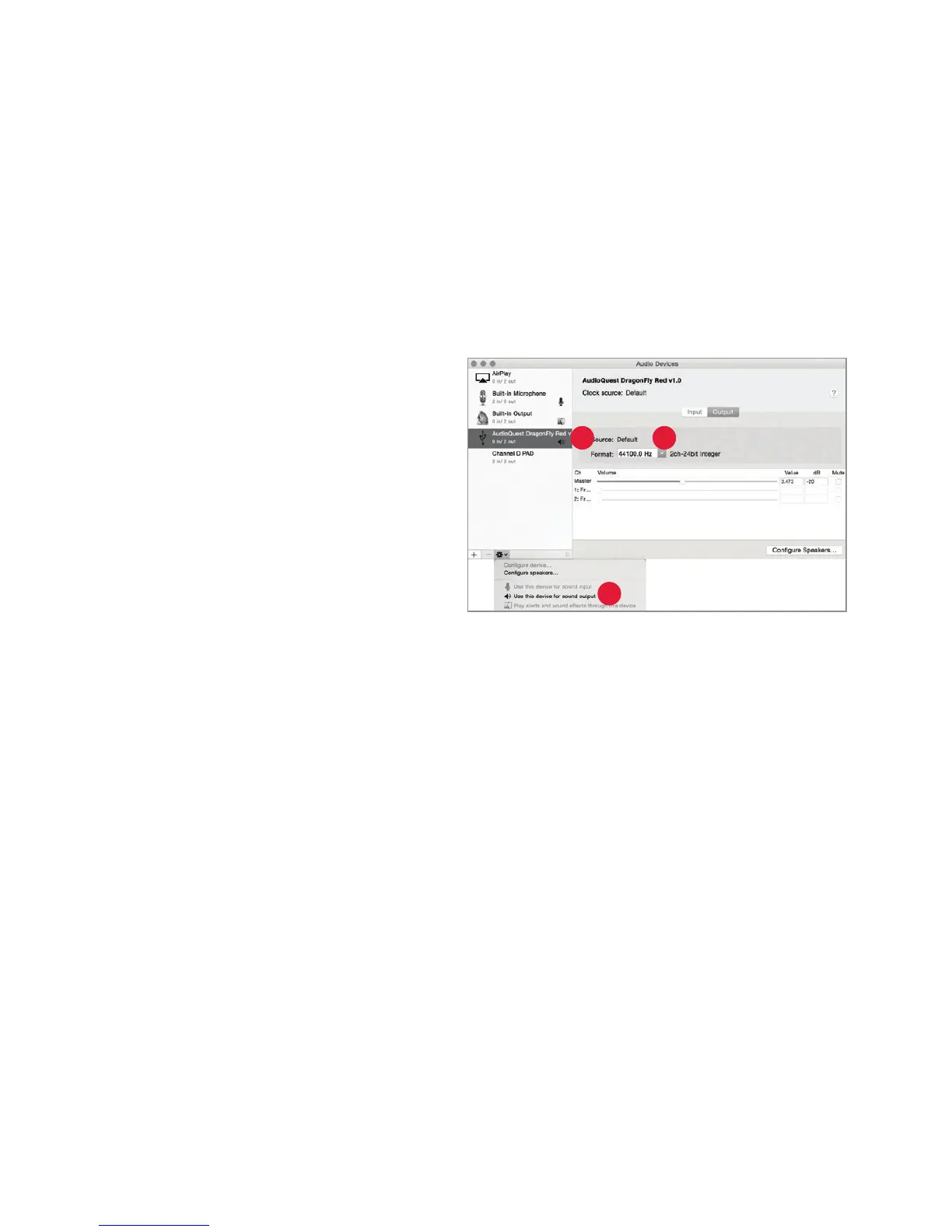
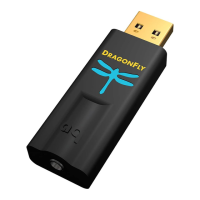
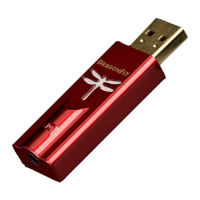
Setting up the “Audio MIDI Setup” so computer audio plays through DragonFly Red:
1. Open the “Applications” folder, and
then the
“Utilities” folder.
2. Within Utilities, double-click to open
“
Audio MIDI Setup.”
3. Within the “Audio Devices” panel, click
on
“AudioQuest DragonFly Red 1.0.”
4. Select, “Use this device for
sound output
”
5. Use the “Format” dropdown menu to
choose a sample rat
e—most likely
44100.0 Hz. (See “Why is ‘Format’
important,” right.)
3
4
5
10


 To Next Page