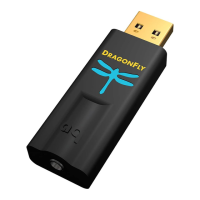
For use with Apple Mobile devices
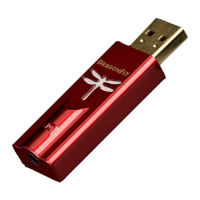
DragonFly Red will work with Apple’s mobile handheld devices. In order to connect
DragonFly Red to an iPhone or iPad and play music, an Apple Lightning-to-USB
Camera Adapter or Camera Connection Kit is required. For more info, visit http://www.
apple.com/shop.
1. Plug the Camera Adapter/Connector into your Apple mobile device.
2. Plug DragonFly Red into the Camera Adaptor/Connector’s USB port.
3. Turn down the volume on your mobile device to at least 50%.
4. Select your desired music/media app, and then select your desired song or stream.
5. Adjust volume to desired level.
17


 To Next Page