SYSTEM SETUP
-19-
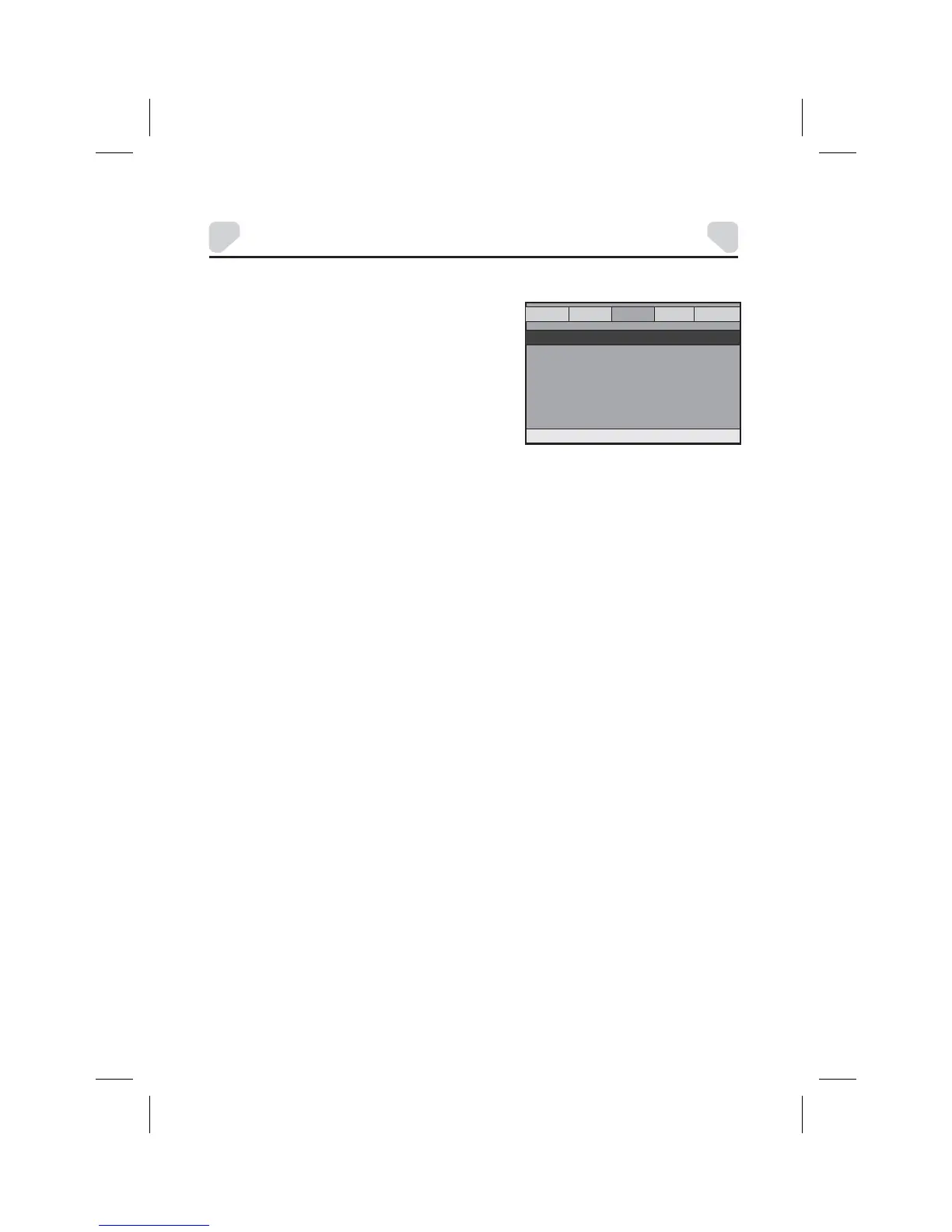
DOLBY DIGITAL SETUP
There are two items in the DOLBY DIGITAL
SETUP PAGE. They are DUAL MONO and
DYMAMIC.
GENERAL AUDIO DOLBY VIDEO
PREFERENCES
-- DOLBY DIGITAL SETUP --
DUAL MONO
DYNAMIC
GOTO DOLBY DIGITAL SETUP
DUAL MONO
DYNAMIC
Note:
Options:
STEREO:
L-MONO:
R- MONO:
MIX- MONO:
Options:
Off to Full:
This function only applies to the Dolby AC -3 encoded 2-channel discs.
The player outputs the left-channel audio and right-channel audio via the
left and right speaker respectively.
The player outputs the left-channel audio only via both the left and right
speaker.
The player outputs the right-channel audio only via both the left and right
speaker.
The player outputs the average signal of the left-channel and right-channel
audio via the left speaker and the right speaker
When you watch movies with a large dynamic at a low volume, you can adjust the
dynamic value up to avoid losing sound details resulting from the low volume.
Adjust the slider bar to the desired level.



 To Next Page