GB - 12
UNIT OPERATION
Dolby Digital (for DVD)
Dolby Digital is a sound system developed by Dolby Laboratories Inc. that gives movie theatre ambience to
audio output when the unit is connected to a Dolby Digital 5.1 channel processor or amplifier.
This unit automatically recognizes DVDs that have been recorded with Dolby Digital.
Not all Dolby Digital sources are recorded with 6 channels.
Some sources marked Dolby Digital may be recorded in Dolby Surround, a 2 channel system. Look for this logo
Manufactured under license from Dolby Laboratories.
'Dolby' and the double-D
symbol are trademarks of Dolby Laboratories.
SOUND SYSTEM
Turning the Unit On
1. Slide the POWER ON/OFF switch on the main unit & MONITOR ON/OFF switch
on the monitor to the 'ON' position.
2. If you select DVD, the DVD logo (start-up picture) will appear on the screen.
CONNECTIONS
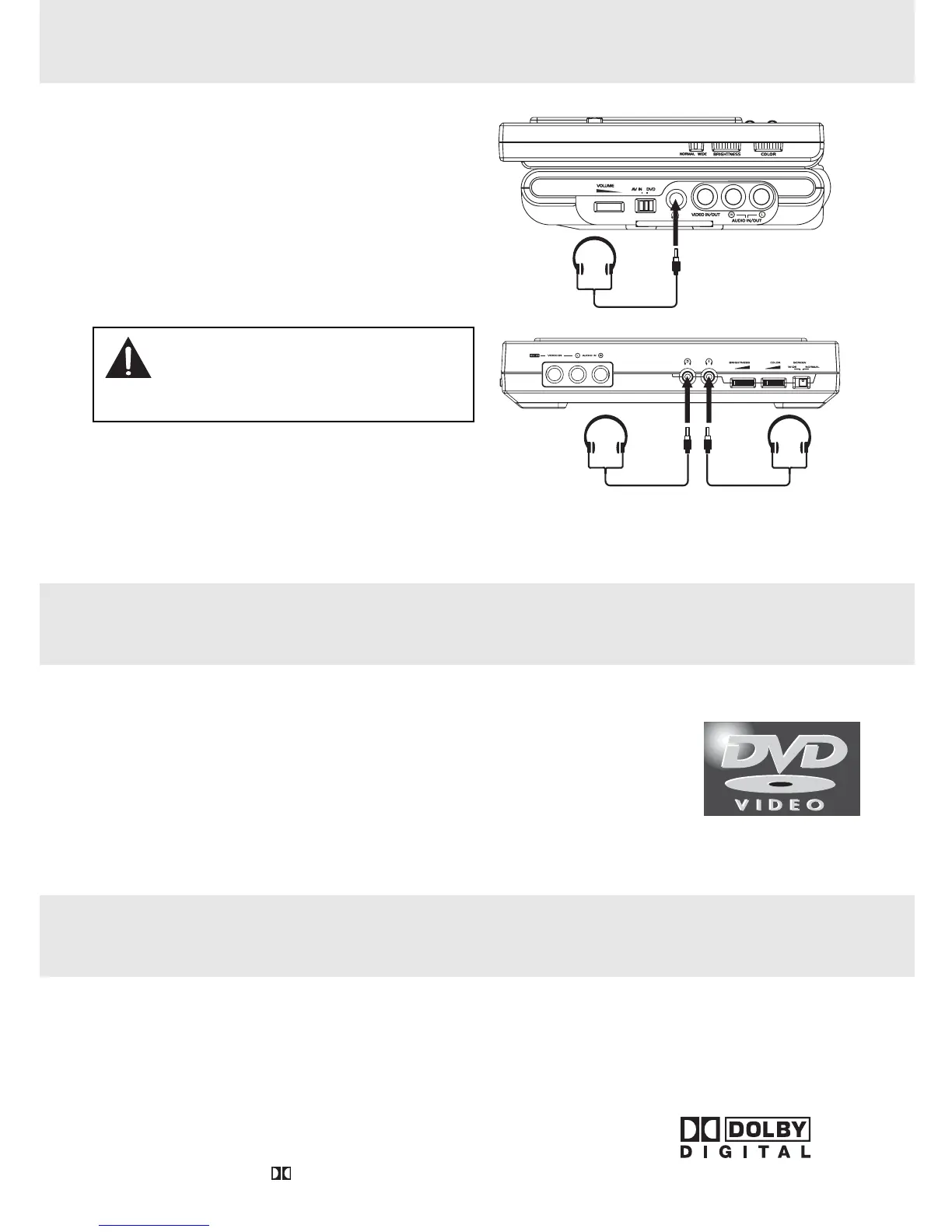
Using Headphones/Earphones
• Turn down the volume before connecting the
headphones/earphones. Slowly raise the volume
with the headphones/earphones on until you reach
your desired volume.
NOTE:
When headphones are connected, the speakers are
automatically disabled.
Headphones/
Earphones
(3.5mm diameter plug)
Headphones/
Earphones
(3.5mm diameter plug)
Caution:
• Avoid listening to sound at excessive
levels which could be harmful to your
ears.



 To Next Page