GB - 18
NOTE:
• You can press the PAUSE button to interrupt playback, and press the PLAY button to resume playback.
• You can use the GOTO function or use the numbered buttons to enter the number of a picture file to quickly
select the image.
• Press the ANGLE button on the remote control to rotate the picture orientation by 90°.
This unit can play picture files recorded on CD-R and CD-RW discs.
Playing a Picture File Disc
1. Open the disc door.
2. Hold a picture file disc by its edge and gently push it onto the spindle
with the label side facing up, gently pushing until you hear a “click”.
3. Close the disc door.
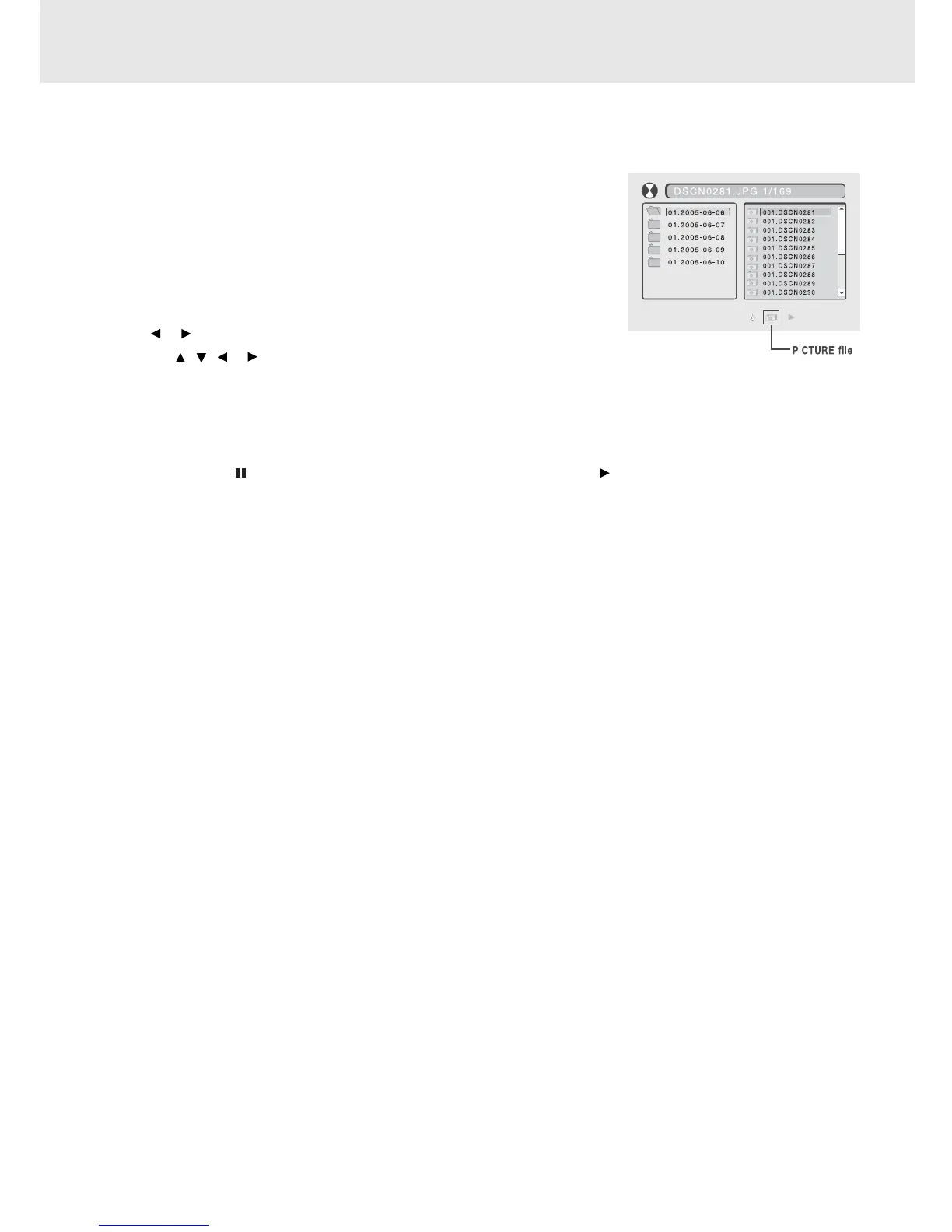
4. The unit will load the disc and automatically display the contents of the
disc on the screen, while also beginning to play the first picture file.
These files will then be played back one by one.
5. Press
or button to select a picture file to view.
6. Press the , , or CURSOR button to view and select the files that
you want to view, then press the ENTER button to confirm the selected
file.
PLAYING PICTURE FILE DISC



 To Next Page