Need help?
Do you have a question about the Audizio Rimini 102.430 and is the answer not in the manual?
Important safety instructions to prevent hazards like fire, shock, and damage.
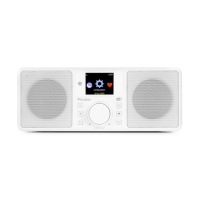
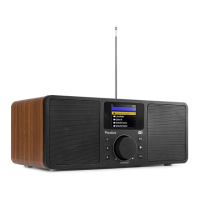
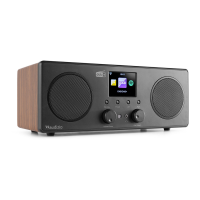
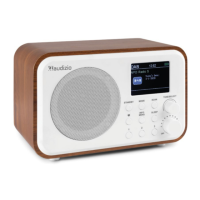
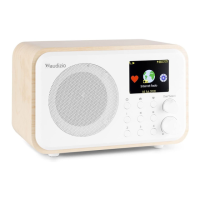
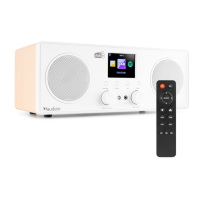
Identifies and explains the buttons and knobs on the front of the radio unit.
Lists and explains the functions of buttons on the remote control.
Lists requirements like broadband internet and Wi-Fi for initial setup.
Guides through the process of connecting the radio to a wireless network.
How to select stations by category and manage favorite stations.
Streaming music from network devices using UPnP/DLNA compatibility.
Connecting external audio devices via the AUX IN port.
Accessing and playing podcasts via the internet connection.
Setting the time display format to analog or digital.
Configuring wireless network settings, including WPS and manual setup.
Setting the date and time format, including Daylight Saving Time.
Setting dual alarms, alarm sounds, volume, and nap alarms.
Using the snooze function and selecting the user interface language.
Adjusting LCD backlight, display style, and power saving settings.
Setting sleep timer for standby and adjusting buffer time for playback.
Configuring weather display and UPnP playback preferences.
Setting up DLNA for music playback from compatible devices.
Using a smartphone app to control the radio.
Selecting equalizer settings and resuming last played station on power-up.
Information on software updates and performing a factory reset.
Steps to resolve problems connecting to a Wi-Fi network.
Troubleshooting reasons for not being able to play specific radio stations.
Resolving PC/folder access and continuous re-buffering problems.
Details item number, color, power, output, playback, dimensions, and weight.
Lists European Community Directives the product conforms to.
 General
| Type | Internet Radio |
|---|---|
| Display | 2.4 inch color display |
| Connectivity | Wi-Fi, Bluetooth |
| Power Supply | 50/60Hz |
| Output power | 5W |

 To Next Page