⑴Open the equipment power supply, the screen display interface as shown in figure, after
about five seconds show the mainboard version information
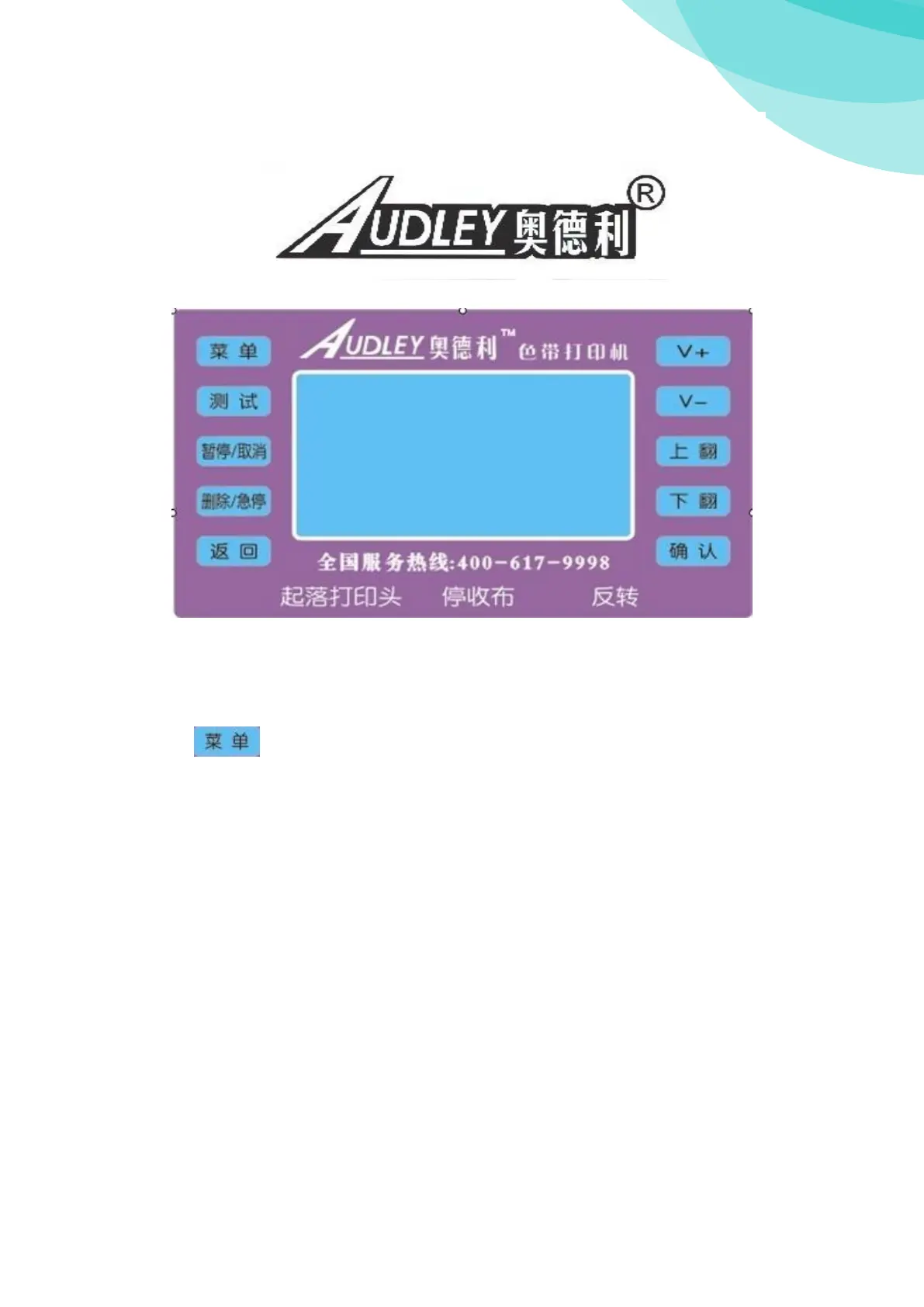
⑵Operation panel
System information
Printed: Setting have been worked distance
Remainder meters: Display the remainder distance can be printed out. (V3.22 versions
are not support)
Card number: Equipment motherboard number
Machine type: Equipment type number
Compile date: Mainbord compile date
SD card: Show ’’NO’’ means not inset SD card; Show ’’Yes’’ means inset SD card
U disk:Show ’’NO’’ means not inset SD card; Show ’’Yes’’ means inset SD card
Ink ribbon: Temporary don't support V3.22 version
Numbers of print head: Display equipment to connect the numbers of the print head (330A
equipment support one print head)
IP address: Equipment network IP address
Network card type: Equipment Network card type number
Machine date: Show the current date
Machine time: Show the current time
Print head: Show the print head type



 To Next Page
 Loading...