-5-
English
-6-
2. Connection
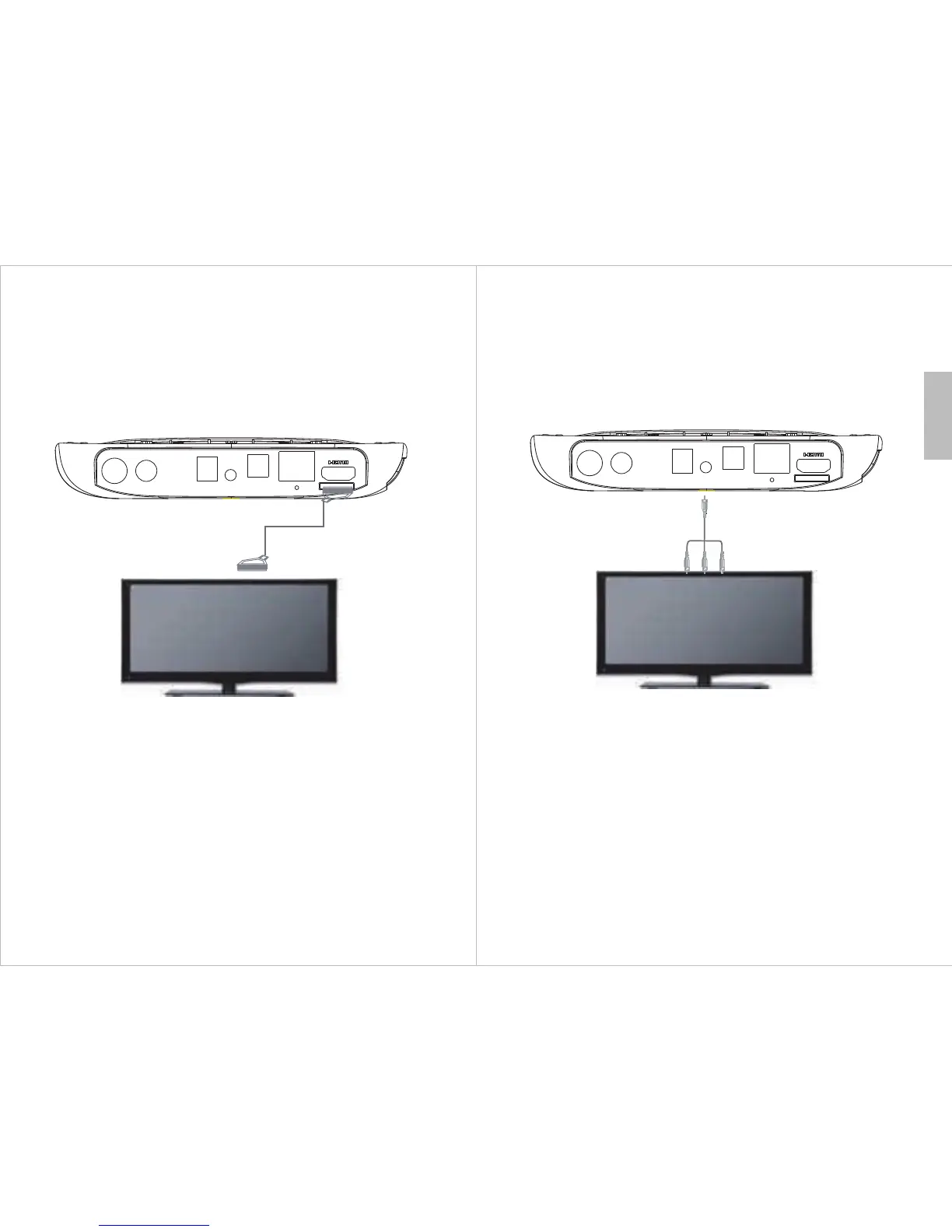
2.1 HDMI Connection
1) Switch off both the DVB500 and your TV.
2) Connect the DVB500 to your TV using the provided HDMI cable.
3) Turn your TV and the DVB500 on.
4) Set your TV input to the correct HDMI port.
RF IN
RF OUT
DC IN
AV OUT OPTICAL
LAN
RESET
TF
HDMI connection cable
2.2 AV Connection
1) Switch off both the DVB500 and your TV.
2) Connect the DVB500 to your TV using the provided AV cable.
3) Turn your TV and the DVB500 on.
4) Set your TV input to the correct AV port.
RF IN
RF OUT
DC IN
AV OUT OPTICAL
LAN
RESET
TF
A/V connection cable



 To Next Page