15
EN
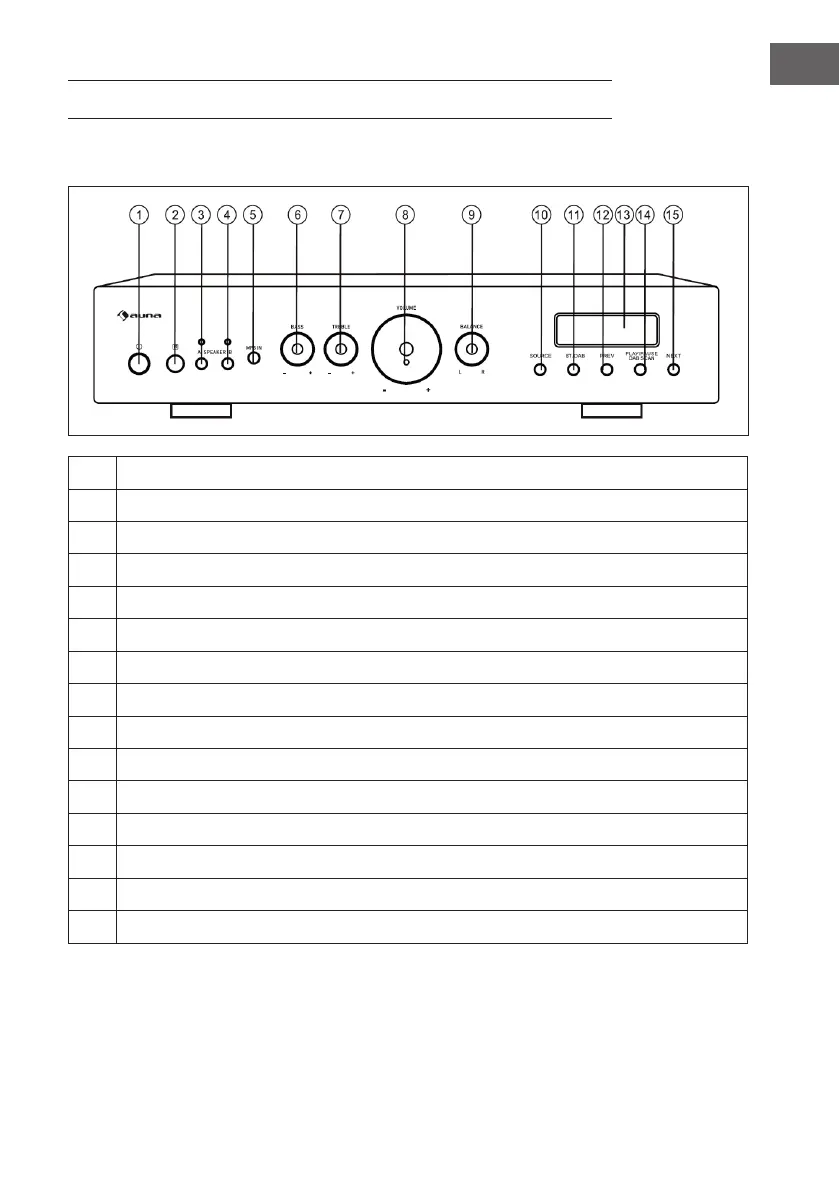
DEVICE OVERVIEW
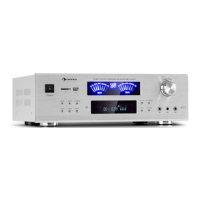
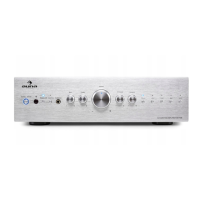
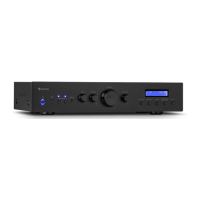
Front
1 Press this button to turn the remote control sensor on or o.
2 Remote Control Receiver.
3 Press this button to select speaker A.
4 Press this button to select Speaker B.
5 MP3 storage media connector.
6 Adjust the volume level for bass.
7 Adjust the volume level for treble.
8 Adjust the general volume level.
9 Adjust the volume level for balance.
10 Press this button to select the music source.
11 Press this button to select BT mode or DAB mode.
12 Press this button to skip to the previous song.
13 Display.
14 Press to play or pause music or search for DAB stations.
15 Press this button to skip to the next music track.


 To Next Page