19
EN
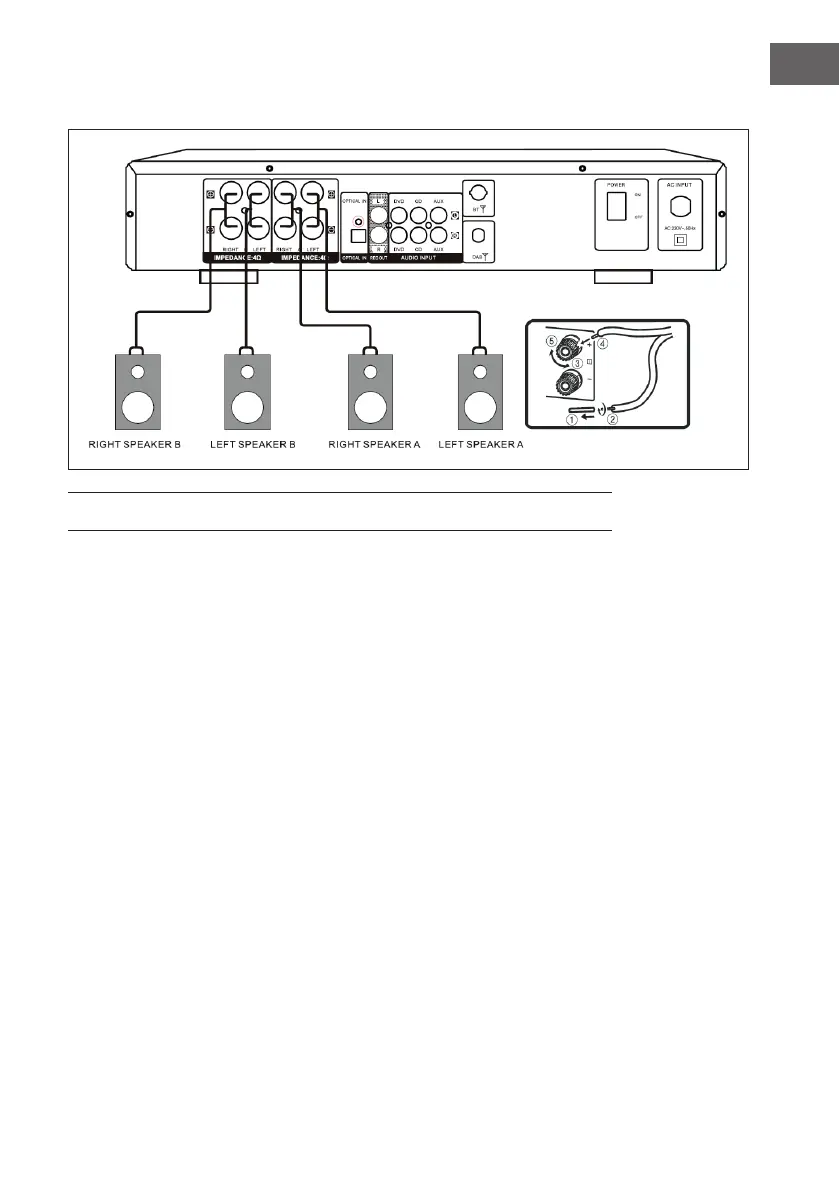
Connecting the speakers
OPERATION
General operation
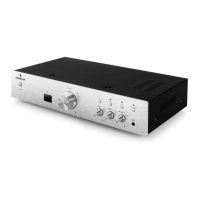
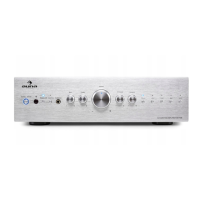
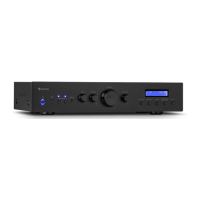
• Select the audio source by pressing the INPUT button on the remote
control or the SOURCE button on the control panel.
• Turn the VOLUME knob on the control panel or press the VOL+/- button
on the remote control to adjust the volume.
• Press the SPEAKER A/B button on the control panel to select speaker
mode A. Press the button again to select speaker mode B. Press the
button again to select DOWN speaker mode.
• Turn the TREBLE control on the control panel to adjust the treble eect.
• Turn the BASS control on the control panel to adjust the bass eect.
• Turn the BALANCE control on the control panel to adjust the balance
eect.
• Press the MUTE button on the remote control to activate the mute.
Press the MUTE button again to unmute.


 To Next Page