57
EN
Option 2: Entering the password by remote control
Enter the password using the numbers and letters on the remote control.
The cursor indicates the current input eld. Press the corresponding number
button repeatedly to display the following characters:
0 Delete entry
1 (Space) @ ! ” # $ % & ( ) * ’ + - { \ | }< >?........
2 2 A B C a b c
3 3 D E F d e f
4 4 G H I g h i
5 5 J K L j k l
6 6 M N O m n o
7 7 P Q R S p q r s
8 8 T U V t u v
9 9 W X Y Z w x y z
Select previous input eld, the input can be overwritten
Next input eld, the last entry is saved
Selecting a number or letter
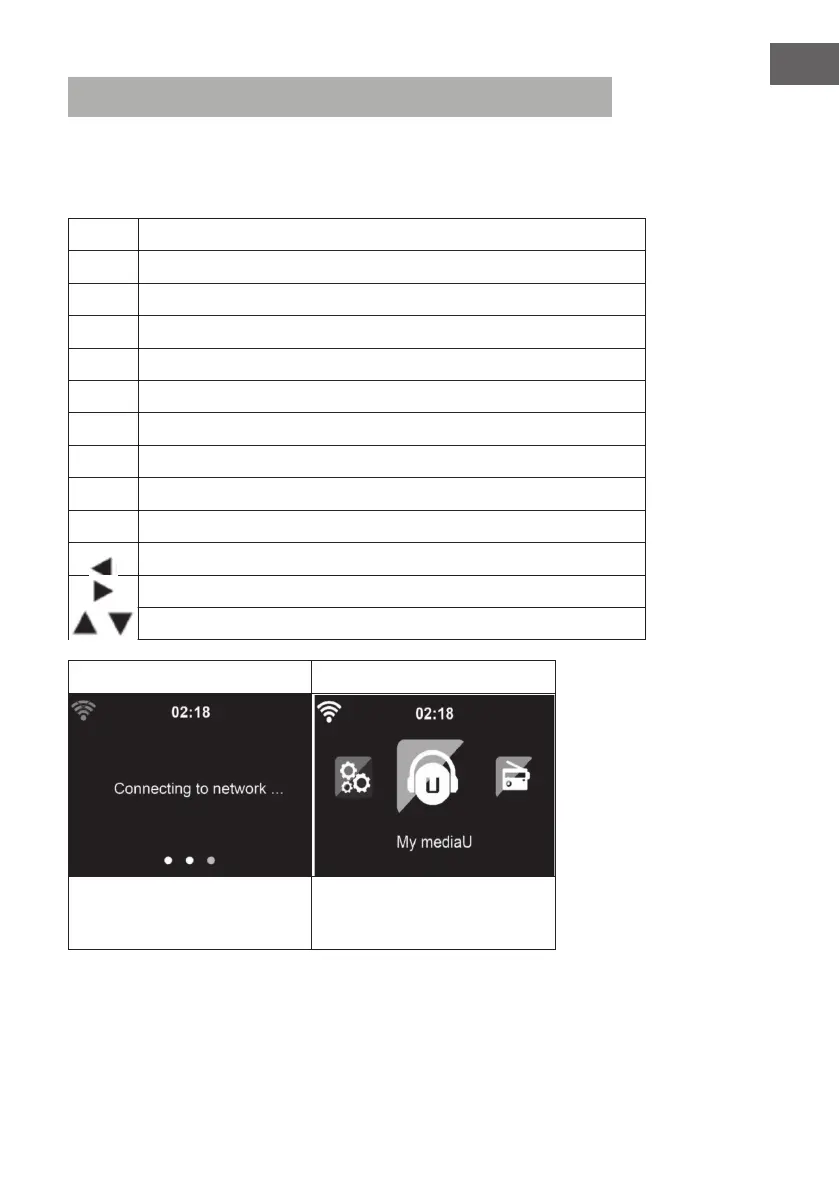
6 7
Press OK to conrm the ente-
red password.
It may take a few seconds to
establish the network connec-
tion.



 To Next Page