66
EN
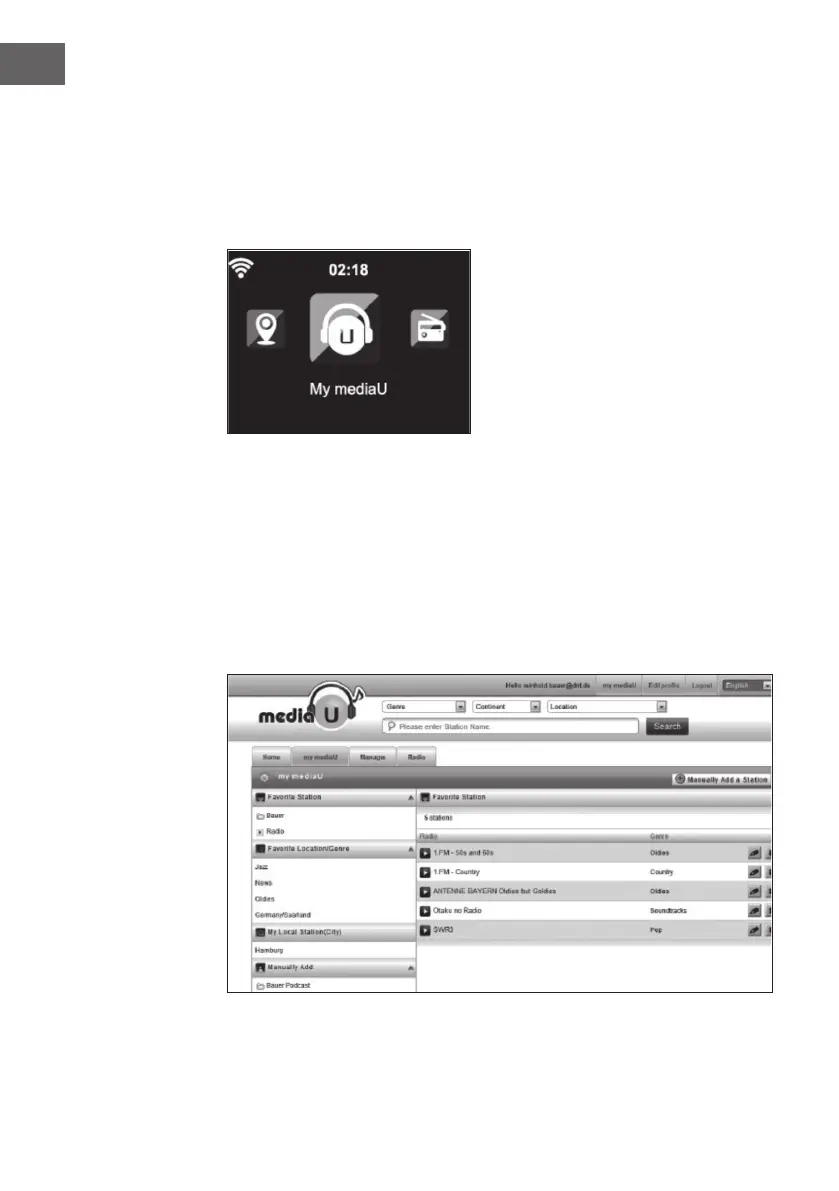
• Depending on your personal My mediaU settings, the appearance of
the screen of your device may vary.
• If your device has not yet been registered with MediaU, a message will
appear when you try to activate My mediaU.
• If you have registered your device to multiple accounts, they will all be
displayed after activation so that you can select the account you want to
use. It is not necessary to enter a password.
The My mediaU icon also appears in the main menu. The following
submenus are available:
• Favourite channel
• Favourite place/ genre
• My local stations
• Adding Manually
These sub-items are also displayed in the Media Library, where you can
arrange and manage the radio stations accordingly.



 To Next Page