67
EN
For example, if you want to add a podcast manually, you need to know its
URL. To do this, follow these steps:
1. Fill in the marked elds under “add manually“ in your mediau account
2. Go to conguration > manage my mediau in the stream and enable it
again by pressing ok.
3. Go to my mediau > manually add to view all manually added folders
and addresses and select the podcast.
The following podcast formats are supported:
• asx
• m3u
• pls
• pure streaming with HTTP, RTSP, MMS protocol
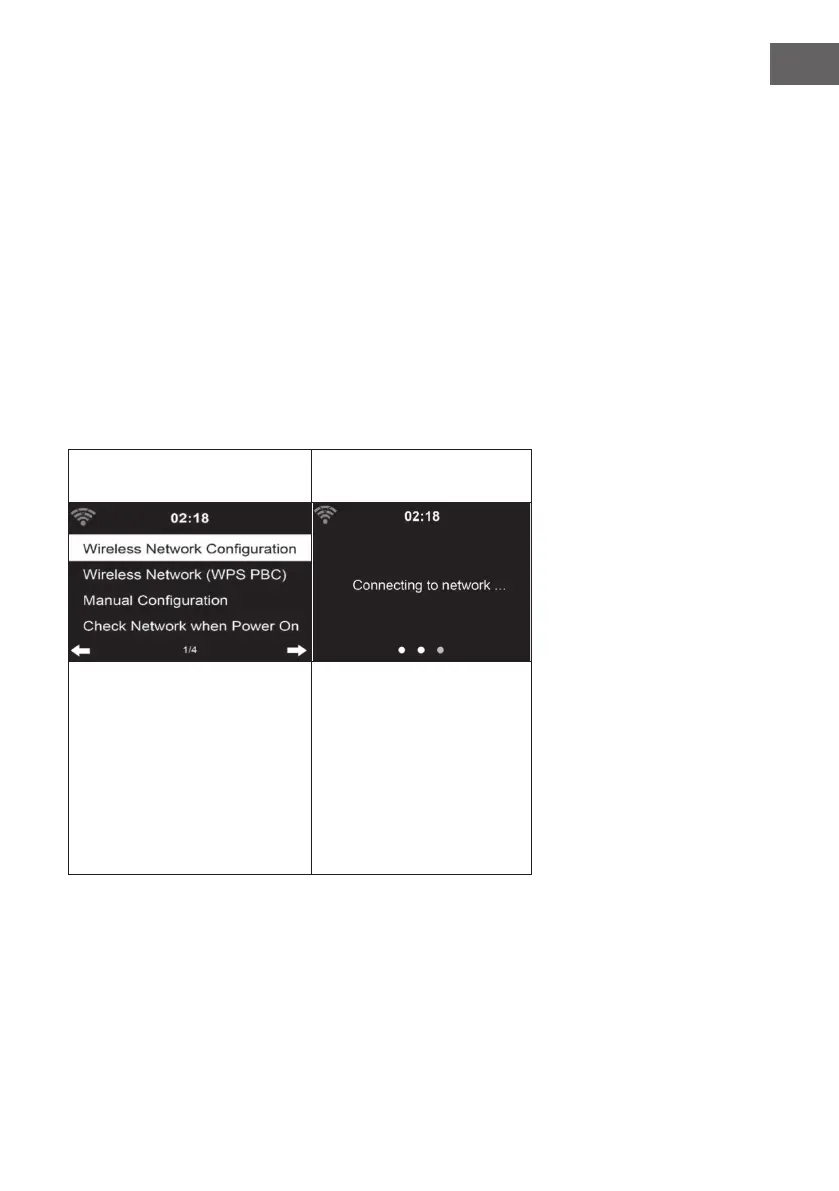
Network
Wireless network conguration: Wireless network
(WPS/PBC):
Activate/deactivate the WLAN
network. As soon as you
activate the WLAN, the device
automatically connects to your
selected router.
If you are using a router with
WPS/QSS button, you can
easily set up the network
connection via WPS func-
tion. Open the function and
press the WPS/QSS button
within 120 seconds. The con-
nection between the router
and your device will then be
automatically congured.



 To Next Page