68
EN
Manual conguration:
You can select DHPC (the IP address is assigned automatically) or enter the
IP address for the wireless network connection manually. If you select the
manual setting for a wired connection, the following information must be
entered:
• SSID (name of the access point)
• IP address
• Subnet mask
• Default gateway
• Preferred DNS server
• Alternate DNS server
If there is more than one network connection within the area, you can select
a specic network.
Check the network while the machine is on:
• Enable/disable wireless network
• When you activate the wireless network, the device automatically
searches for available networks. Select the desired wireless network.
• Enter the WEP or WPA password to establish the wireless connection.
• If there is no connection to the network or the connection could not be
established, the icon in the upper left corner is crossed out.
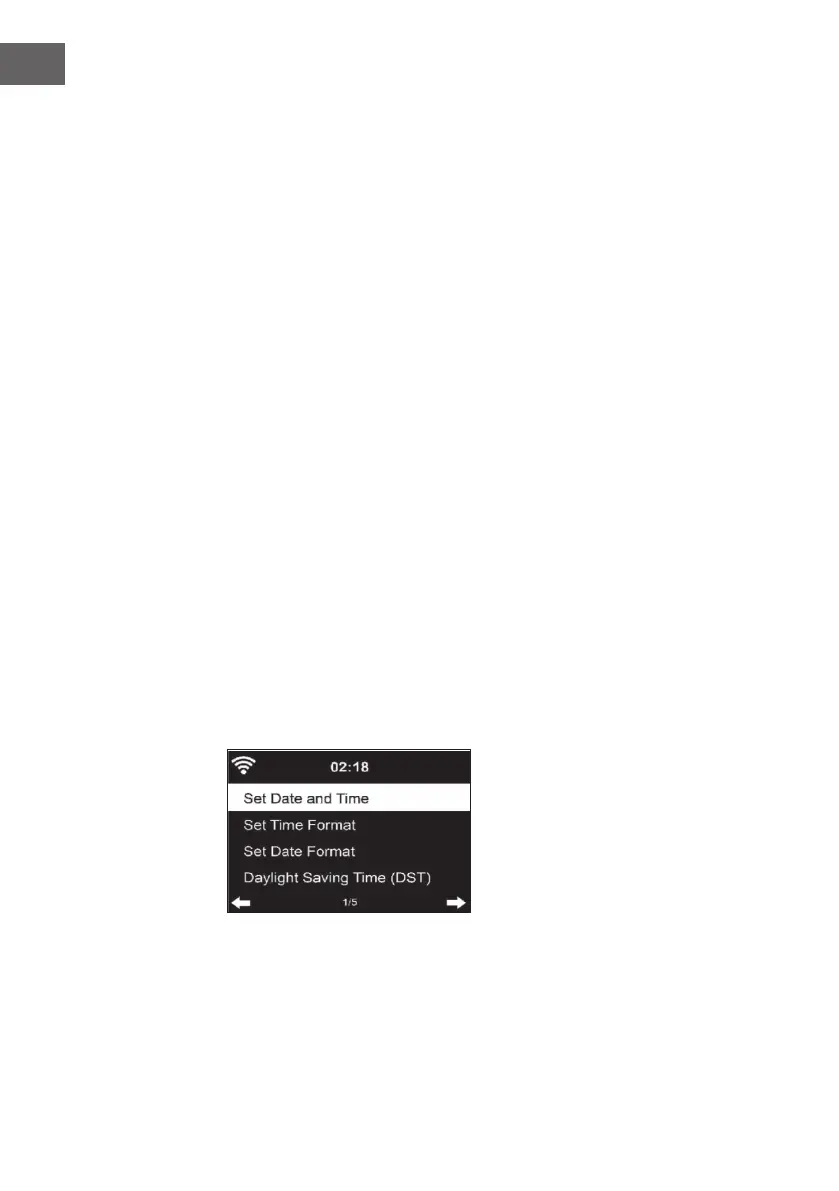
Date and time
• The date and time settings can only be made if your device is connected
to a wireless network.
• The device automatically sets the time and date once a network
connection is established and obtains its data from a central server.



 To Next Page