73
EN
Weather
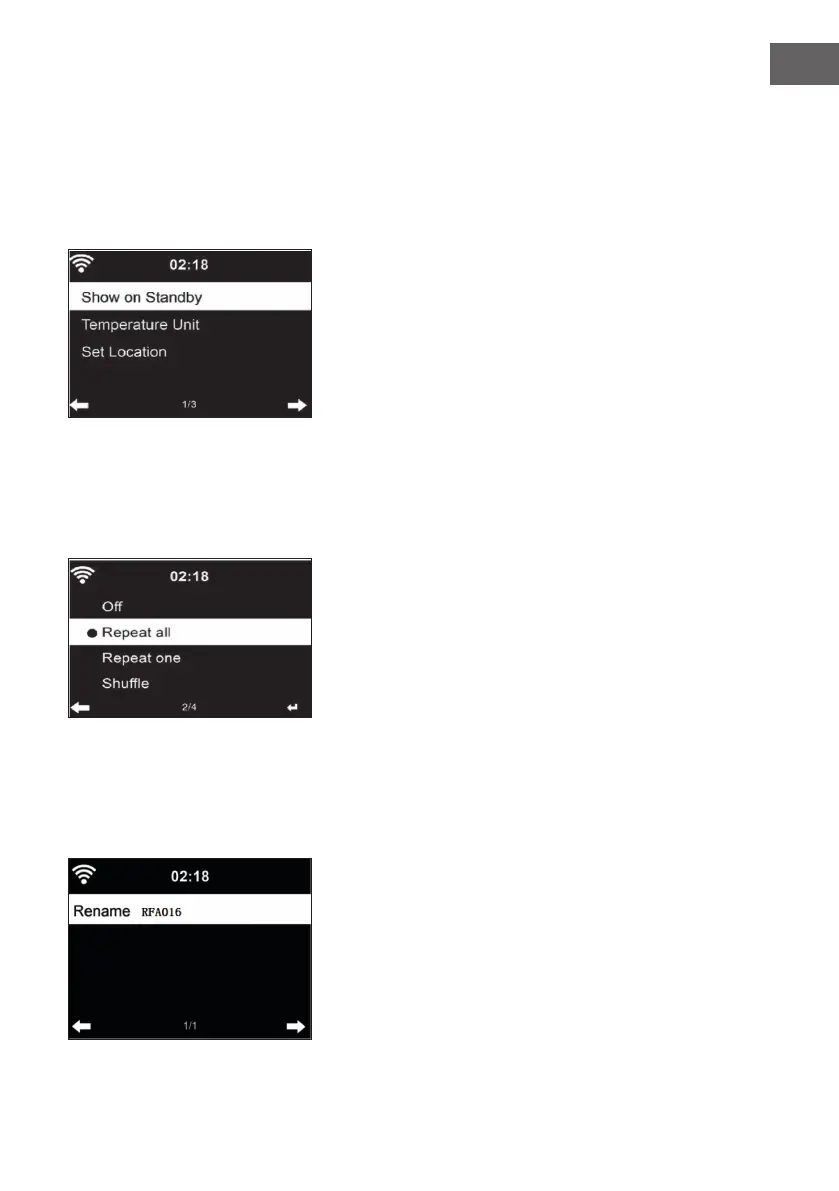
• Your device can display the current weather data in standby mode.
• In standby mode, activate the screen and set the temperature unit (°C or
°F) to display the weather in standby mode.
• When the device is on, the current time and the current weather are
displayed alternately for 10 seconds.
Playback setting
Select the desired playback mode in the Media Center. You can choose from
O (no repeat or shule), Repeat all, Repeat one, or Shule.
DLNA Setting
• The default device name for DLNA is: iTuner 320 ME.
• The device name can be changed on the PC or Smartphone in the DLNA
settings.



 To Next Page