72
EN
Power Management
• You can set the unit to automatically enter standby mode in the main
menu or when there is no wireless connection.
• Set the power management timer (5/15/30 minutes) so that the unit
automatically enters standby mode when you are not operating it.
• To ignore power management, press “Turn O“ to turn o the unit.
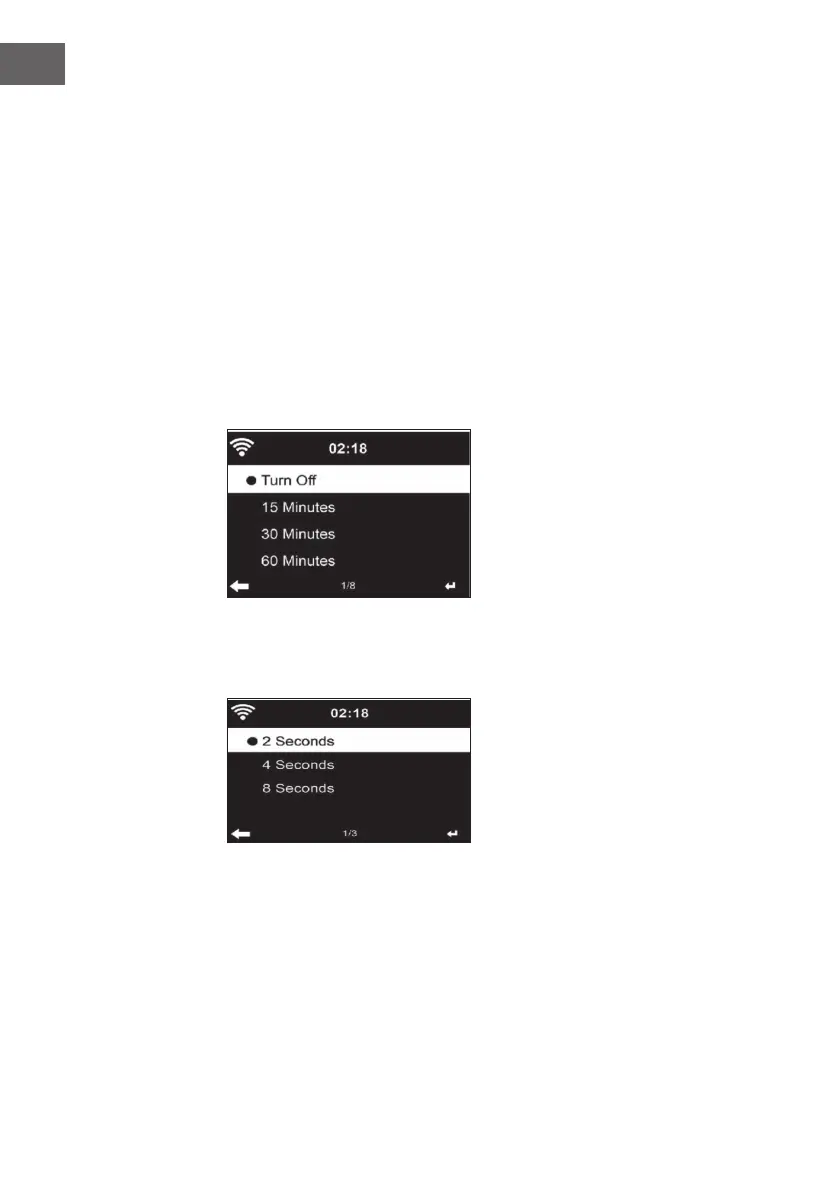
Sleep Timer (time until the unit turns o automatically)
• Switch o the unit directly or set the time until it switches o
automatically. You can choose between 15/30/60/90/120/150/180
minutes.
• Once you have set the time until automatic switch-o, a bed symbol
with the remaining time is displayed in the upper right corner.
• Once the time has elapsed, your machine will go into standby mode.
Buer
You can set the music playback buer time to 2/ 4/ 8 seconds.



 To Next Page