71
EN
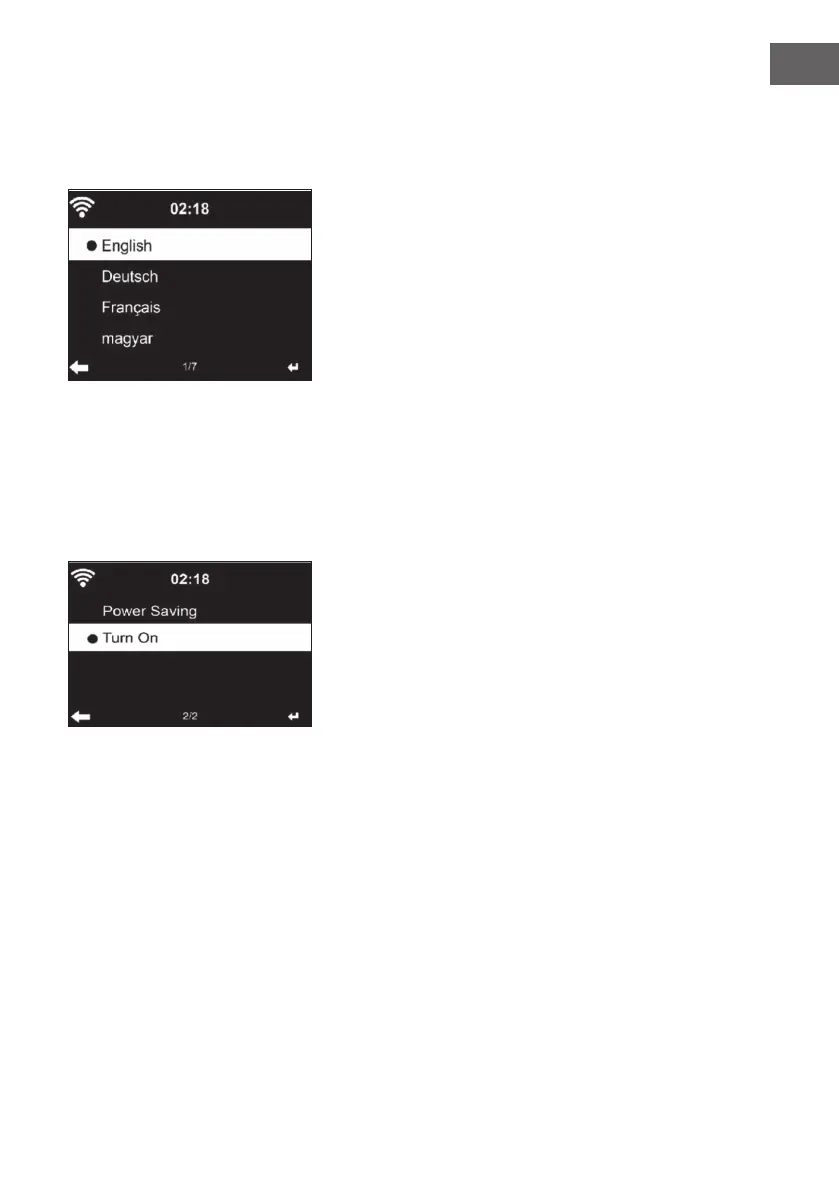
Language
Select the desired language: English/ German/ French/ Hungarian/ Czech/
Slovak/ Polish/ Turkish.
Adjusting the background lighting (dimmer)
• You can adjust the brightness of the backlight.
• Select “Power Saving“ to adjust the brightness of the backlight in
standby mode and select “Turn On“ to activate.
• You can adjust how long the radio screen remains lit when you are not
operating it.
Screen
You can set the screen to color or black and white.



 To Next Page