55
EN
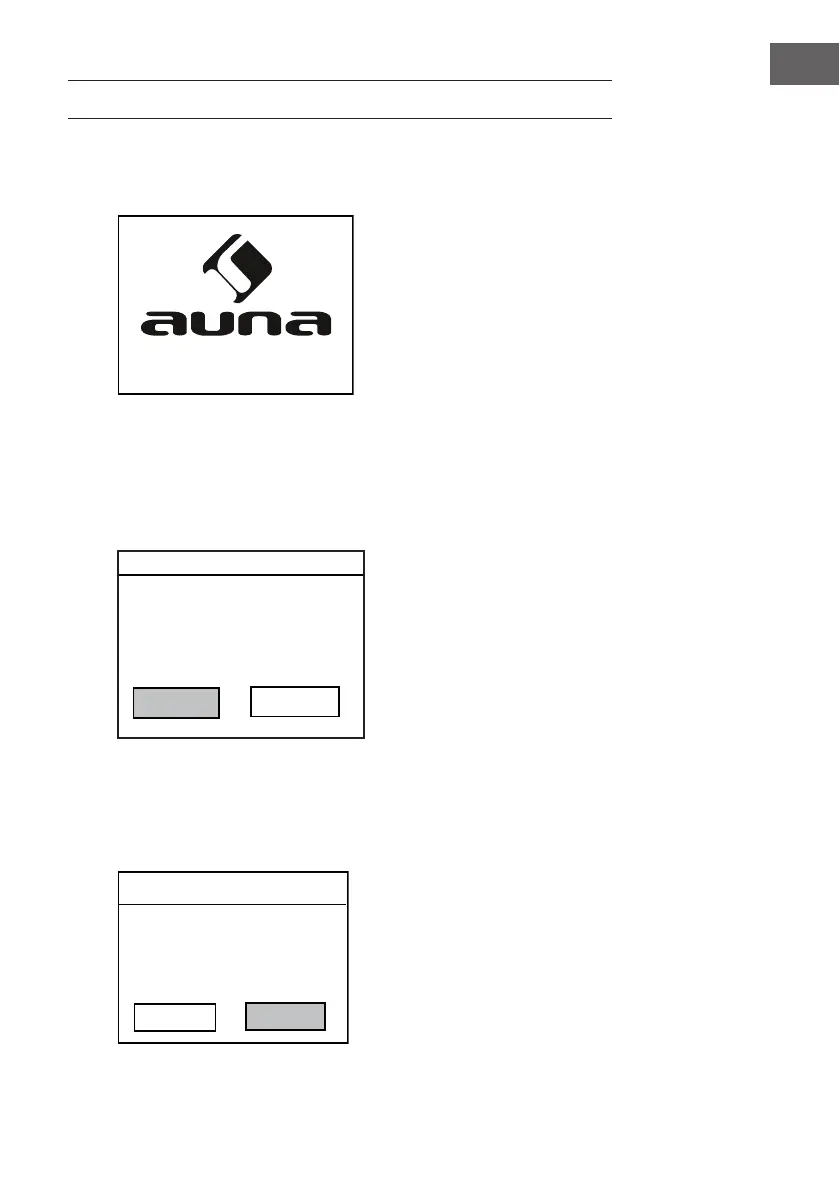
2. Wait for about 20 seconds, the display will appear as below. Turn the
NAVIGATE knob on the unit counterclockwise or press the navigate
button on remote control to highlight "YES", and press the ENTER knob
on the unit or press the OK button on remote control to continue.
SETUP
1. Plug the Adapter into the wall outlet, the display will appear as below:
multimedia
Start now?
YES
NO
Date/Time
12/24 hour format
12
24
3. The display will appear as below. Turn the NAVIGATE knob on the unit
or press the navigate button on remote control to highlight the desired
hour format, then press the ENTER knob on the unit or press the OK
button on remote control to continue.



 To Next Page