56
EN
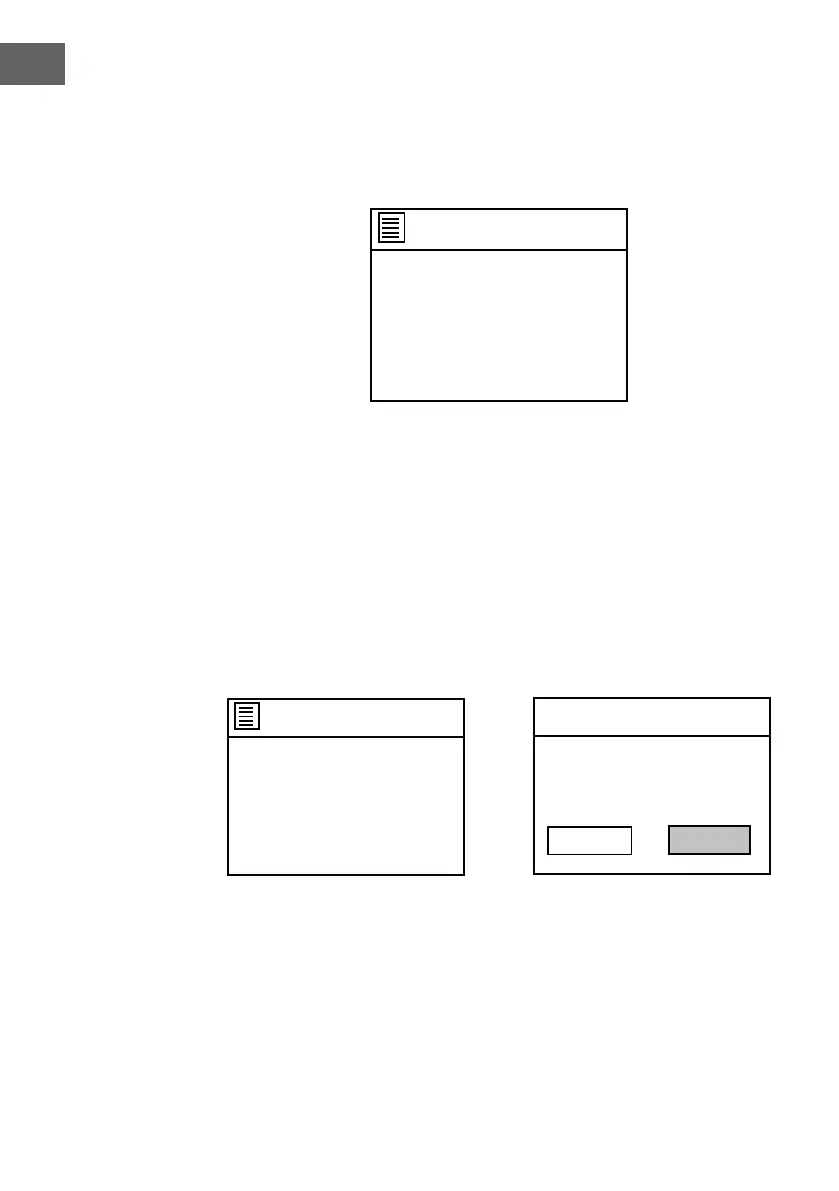
4. The date and time update page will appear as below. Turn the
NAVIGATE knob on the unit or using the navigate button on the remote
control to highlight to select.
Auto update
Update from DAB
Update from FM
Update from Network
No update
• If Update from DAB is selected, the time and date will synchronize with
the DAB time and date and the screen will go to next setup page.
• If Update from FM is selected, the time and date will synchronize with
the FM time and date and the screen will go to next setup page.
• If Update from Network is selected, the next setup page will be "Set
timezone". Turn the NAVIGATE knob on the unit or using the navigate
button on the remote control to select a proper timezone and set the
Daylight savings to ON or OFF.
Set timezone
UTC +00:00: Dublin,London
UTC +00:30:
UTC +01:00:Madrid, Ams
UTC +01:30:
UTC +02:00: Athens, Cario
OFF
ON
Daylight savings
Daylight savings
• If No update is selected, you should set the date and time manually.



 To Next Page