57
EN
The day number will ash, turn the NAVIGATE knob or using the navigate
button on remote control to set the desired day, then press the NAVIGATE
knob or press the OK button to conrm. The month number will ash, set it
in the same way, then set the year number and the time, go ahead to next
setup page
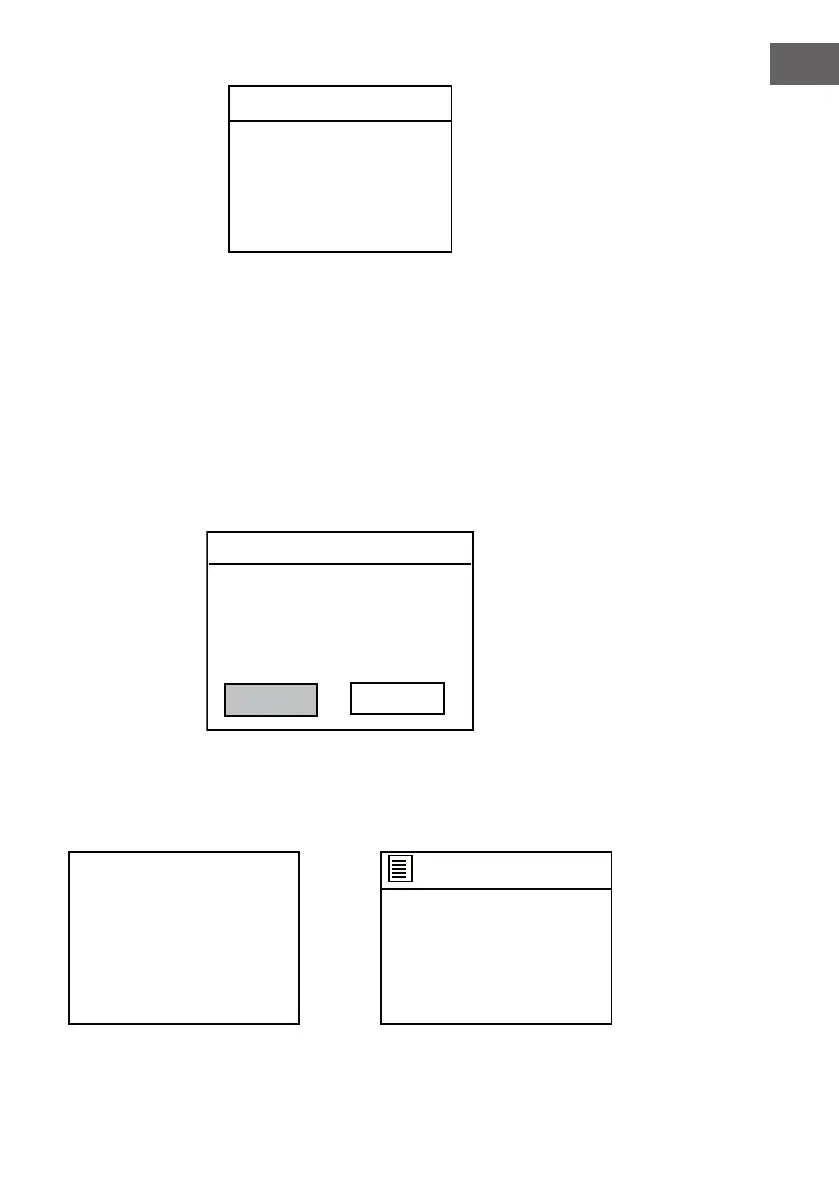
5. The Network settings page will appear as below. Turn the NAVIGATE
knob on the unit or using the navigate button on the remote control
to select. press the ENTER knob on the unit or press the OK button on
remote control to continue.
Set Time/Date
0 1 -0 1 - 2 0 1 7
0 0:0 0
Network settings
Keep network connected?
YES
NO
6. The screen will be as below. Select one of the Wlan region then
continue.
Wlan region
Most of Europe
Australia
Wlan region
Please select
?



 To Next Page