58
EN
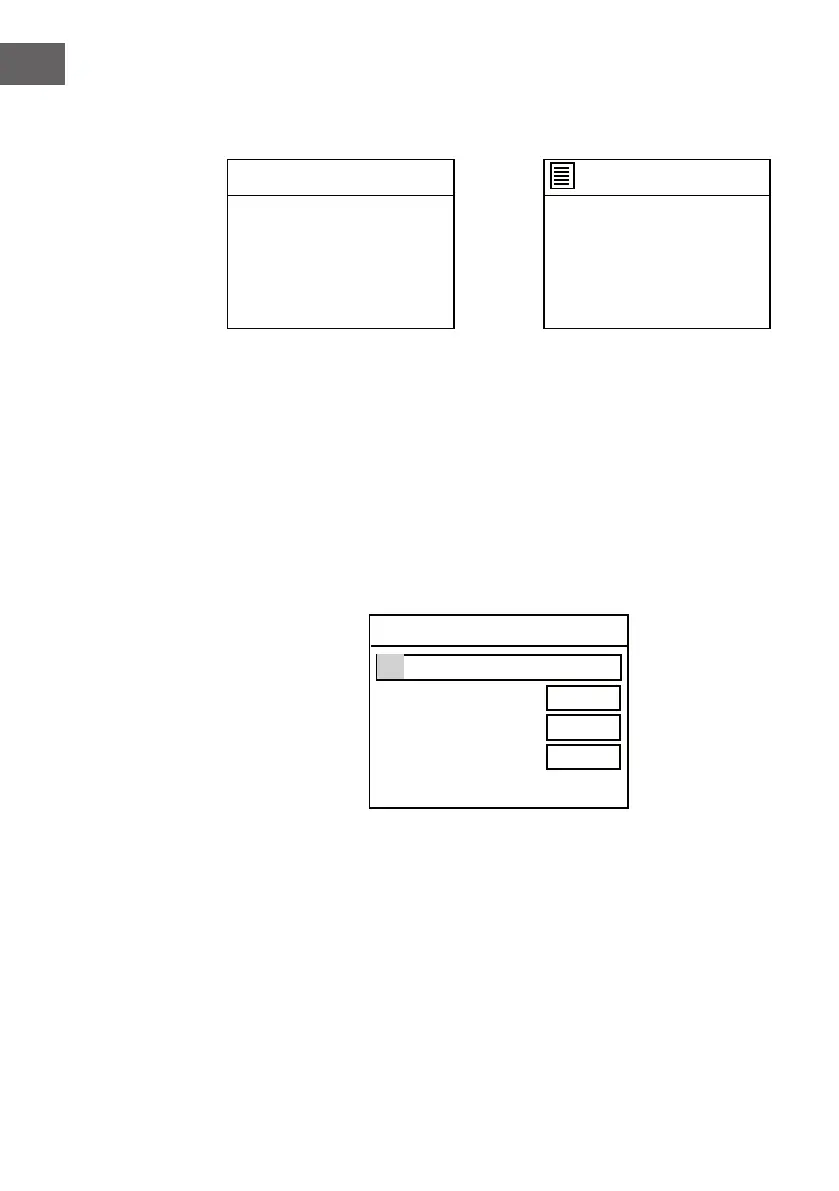
In SSID page, If the wireless nework ABC123 is selected, the Key page will
pop up.
Turn the NAVIGATE knob on the unit or using the navigate button on remote
control to highlight the word needed to enter, press the NAVIGATE knob
or the OK button to input the password. Then turn the NAVIGATE knob
counterclockwise or using the navigate button on remote control
to BKSP (clear the wrong input), OK (conrm) or CANCEL (cancel), then
press the NAVIGATE knob on the unit or the OK button on remote control to
conrm.
7. The screen will be as below. In SSID page, choose one of the scanned
wireless network ( eg. ABC123) from the list, or choose one of the
network with prex [WPS]...
Network settings
Nework wizard
Scanning.-
SSID
ABC123
XYZ 123
[WPS]123
[WPS]456
[Rescan]
[Wired]
[Manual config]
After inputing the correct password, select the OK on display and press the
NAVIGATE knob on the unit or press the OK button on remote control to
continue. The next pages will appear as below.
Key:
BKSP
OK
CANCEL
0 1 2 3 4 5 6
7 8 9 . _ - @
, a b c d e
f g h i j k l
m n o p q r s



 To Next Page