69
EN
DAB
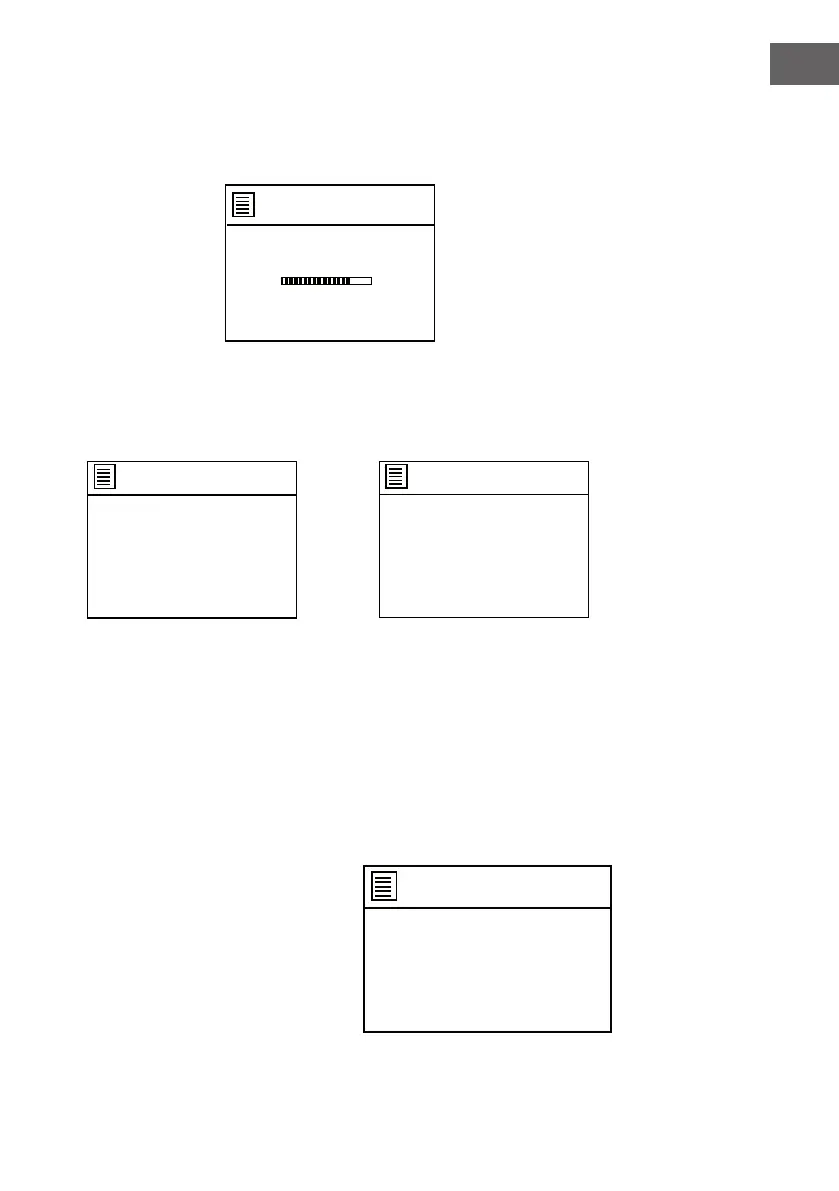
In Main menu, if DAB is selected, the unit will scan all the available stations
automatically.
Scan
Stations:10
Scanning
/
DAB
>
>
Station list
Scan
Prune invalid
DRC
Station order
System settings
Main menu
Manual tune
Prune invalid
DRC
Station order
>
>
DAB
DAB
>
>
Station list
Scan
Prune invalid
DRC
Station order
System settings
Main menu
Manual tune
Prune invalid
DRC
Station order
>
>
DAB
Press the MENU button on the unit or the Menu button on remote control to
enter DAB menu.
When Station list is selected, there will be 10 stations which scanned and
stored automatically. Select the station name and play.
During playing
Press the INFO button on the unit repeatedly to check the station
information..
• Press the or button on the unit to skip track back and forth.
Station storing or preset
When a station playing, press and hold the MEMORY button on the unit or
press and hold thePreset button on the
remote control, the following page will
appear.
Save to Preset
1. [Not set]
2. [Not set]
3. [Not set]
4. [Not set]
5. [Not set]



 To Next Page