70
EN
Turn the NAVIGATE knob on the unit or press the or button on the
remote control to select storing/preset. position, press the NAVIGATE knob
or press the OK button to conrm the preset/storing.
Station recall:
After preset completed, press the MEMORY button or the Preset button
to recall the stored station, press the NAVIGATE knob or the OK button to
listen to the selected station.
• When Scan is selected, the unit will scan and store the available station
automatically. When Manual tune is selected, there will be a list of
certain frequency, select one and play. When Prune invalid is selected,
there will be a list of certain frequency, select one and play.
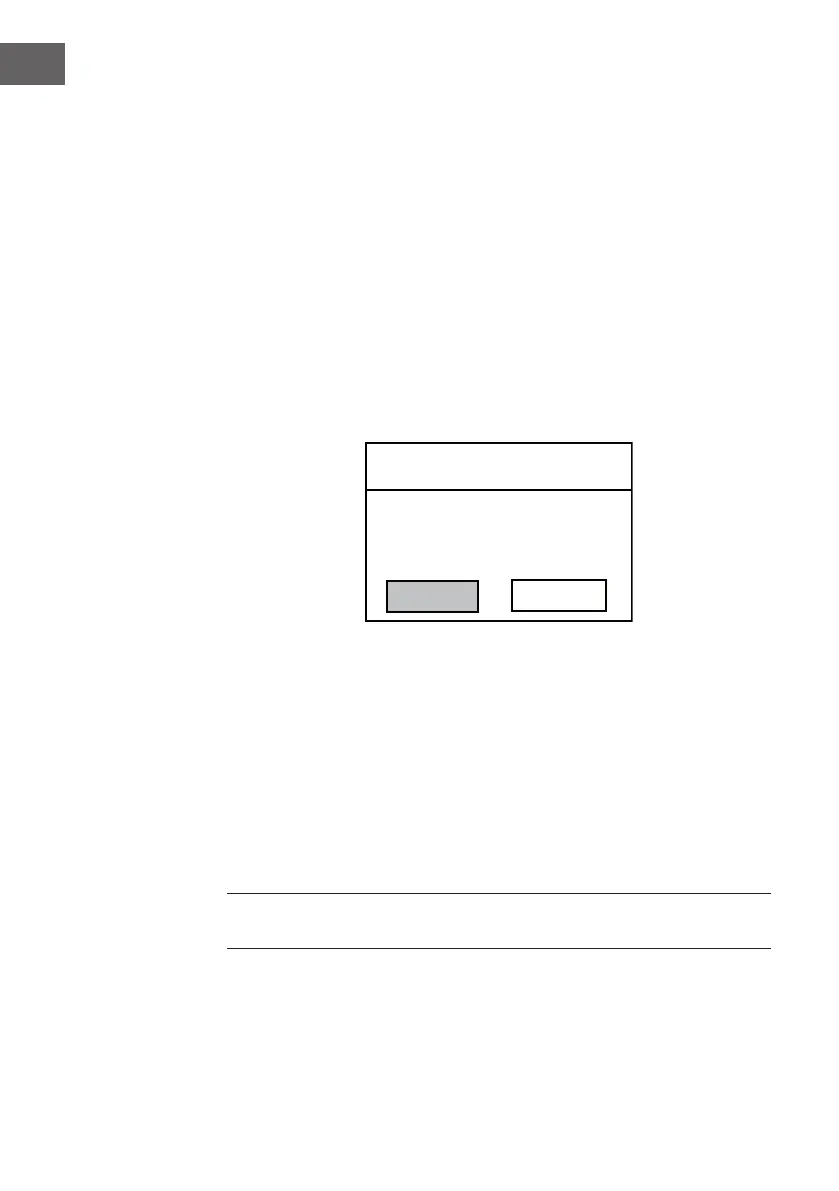
Prune Invalid
YES
NO
This removes all invalid
stations, continue?
Select "YES" to remove all invalid stations, select "NO" to cancel..
• When DRC is selected, set it to DRC high, DRC low or DRC o.
There are 3 levels of compression:
DRC O - no compression. This is the default setting.
DRC Low - medium compression.
DRC High - maximum compression.
• When Station order is selected, set it to Alphanumeric, Ensemble or
Valid.
NOTE: If the reception is weak, please unwind or extend the telescopic
antenna,or relocate the unit to get better reception.



 To Next Page