74
EN
AUX
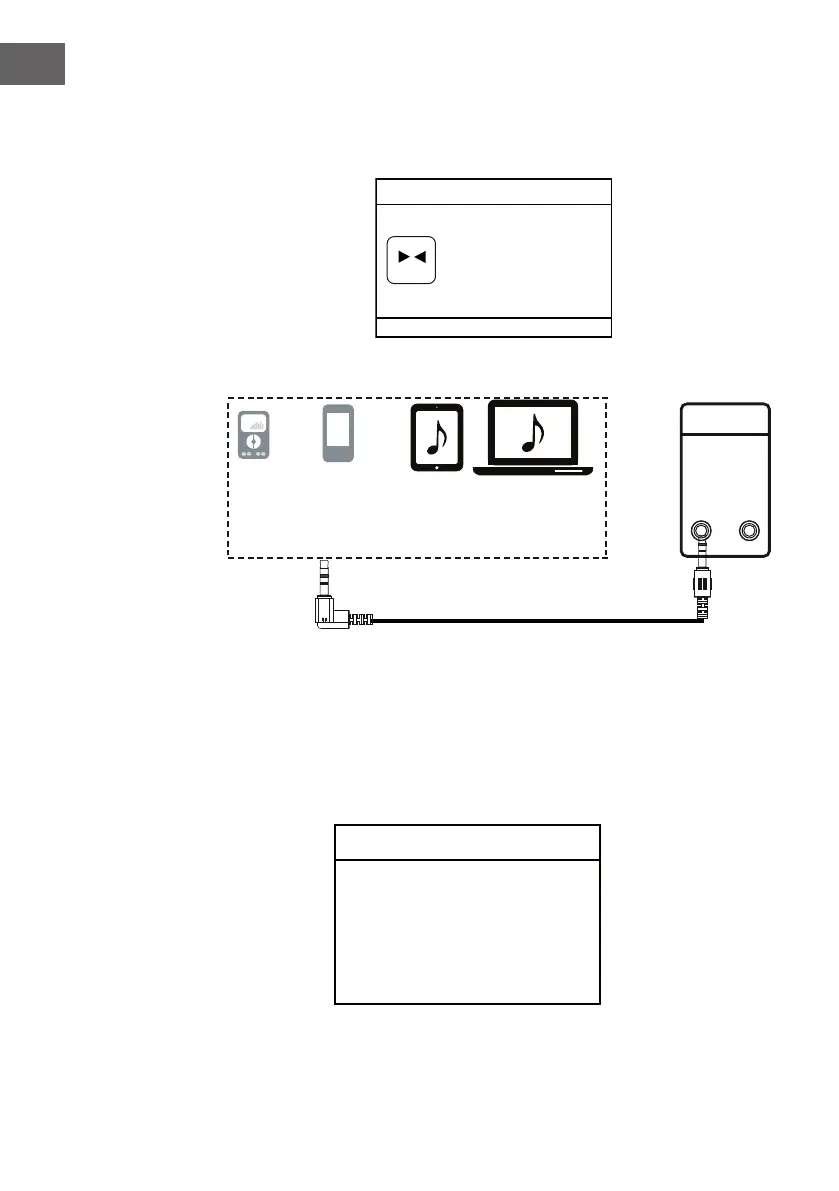
In Main menu, if AUX in is selected, the following page will appear.
Audio In
Today's Date:
DD.MM.YYYY
AUX
(
(
Connect as illustrated below:
ANALOG
ANALOG
INPUT
AUDIO
Mobile Phone
MP3 Player
Connect to the Phones; AUX Out;
Line Out Jack of the external devices
(Such like MP3 Player; cell phones;
iPod/iPad ... etc)
During playing, use the control on your external device.
Sleep timer
In Main menu, if Sleep is selected, the following page will appear.
Set sleep time
Sleep OFF
Set sleep time
8 MINIS
Auxiliary Input
00:00
Audio In
Today's Date:
DD.MM.YYYY
AUX
(
(
8



 To Next Page