75
EN
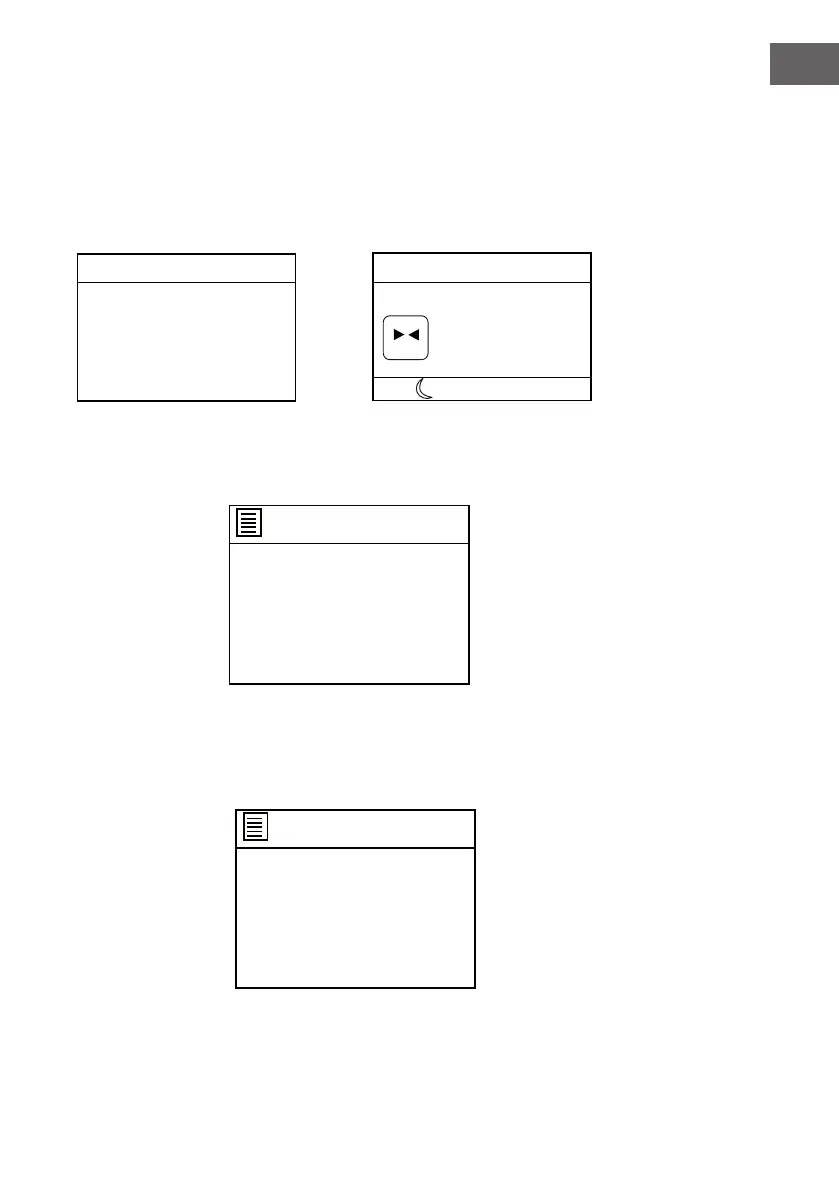
Set sleep time
Sleep OFF
Set sleep time
8 MINIS
Auxiliary Input
00:00
Audio In
Today's Date:
DD.MM.YYYY
AUX
(
(
8
Turn the NAVIGATE knob on the unit or press the or button on remote
control to set to 15,30,45,60,90 or 120 MINS. When nished setting, the left
time will appear on display.
The left sleep time icon will appear on the bottom column of the screen as
illustrated below.
Alarm setting
Alarms
Alarm 1:Off [00:00]
Alarm 2:Off [00:00]
Alarm 1
Enable:Off
Time: [00:00]
Mode:Internet radio
Preset: Last listened
Volume: 12
Save
Alarms
Alarm 1:Off [00:00]
Alarm 2:Off [00:00]
Alarm 1
Enable:Off
Time: [00:00]
Mode:Internet radio
Preset: Last listened
Volume: 12
Save
If Alarm 1 is selected, the following page will appear.



 To Next Page