79
EN
NetRemote PIN Setup
>
>
Connection type
Wired
Wireless
DHCP
DHCP enable
DHCP disable
BKSP
OK
CANCEL
0 1 2 3 4 5 6
7 8 9
• When Network prole is selected, you can check the connected wi
network name. When Keep network connected is selected, set it to
"YES" to keep connected..
Time and Date
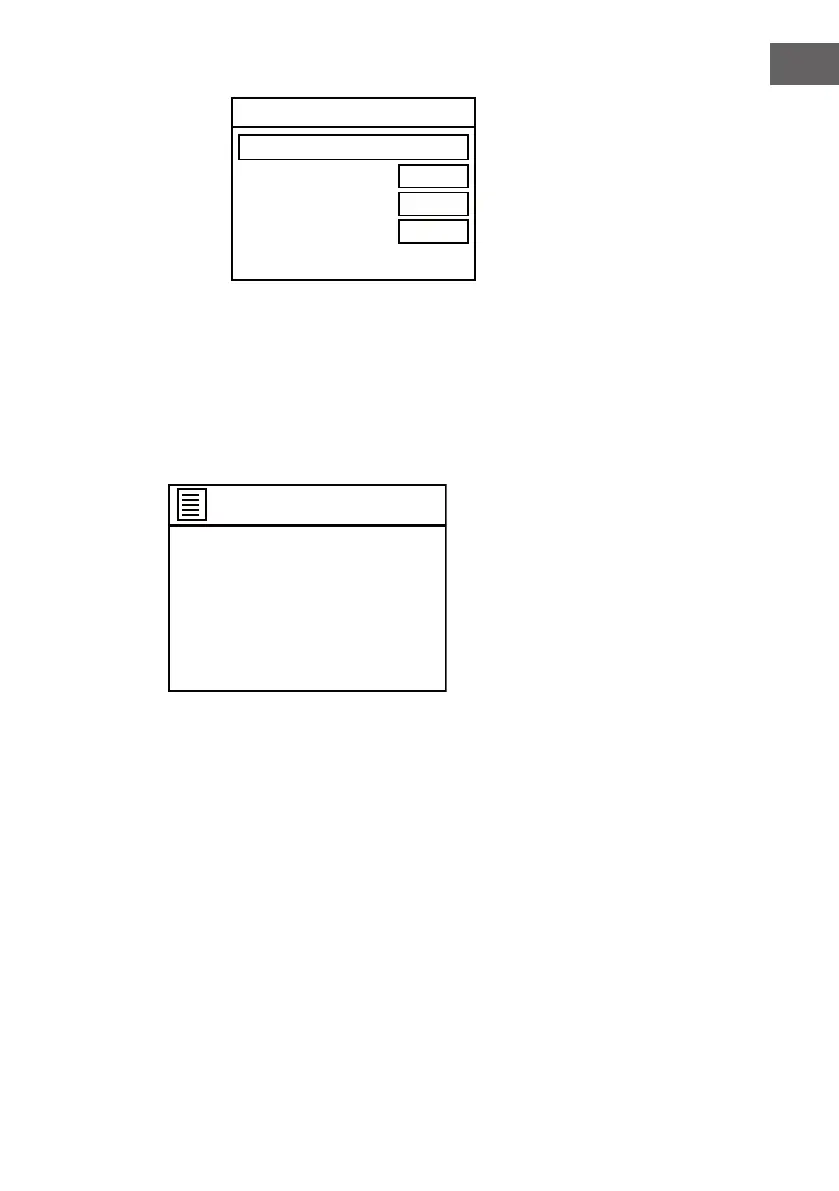
In System settings menu, if Time/Date is selected, the screen will appear as
below..
Time/Date
>
>
Set Time/Date
Auto update
Set format
Set timezone
Daylight savings
Language
In System settings menu, if Language is selected, select one to set the
interface language.
Factory reset
In System settings menu, if Factory Reset is selected, set it to "YES" to
proceed, set it to "NO" to cancel factory reset.
Setup wizard
In System settings menu, if Setup wizard is selected, refer to the operation
on page 55-62.
Info
In System settings menu, if Info is selected, you can check the "SW version",
"Spotify version", "Radio ID" and "Friendly Name.



 To Next Page