EasyManua.ls Logo

Aunex AC2000.4D - User Manual

Default Icon
20 pages
Print Icon
To Next Page IconTo Next Page
Loading...
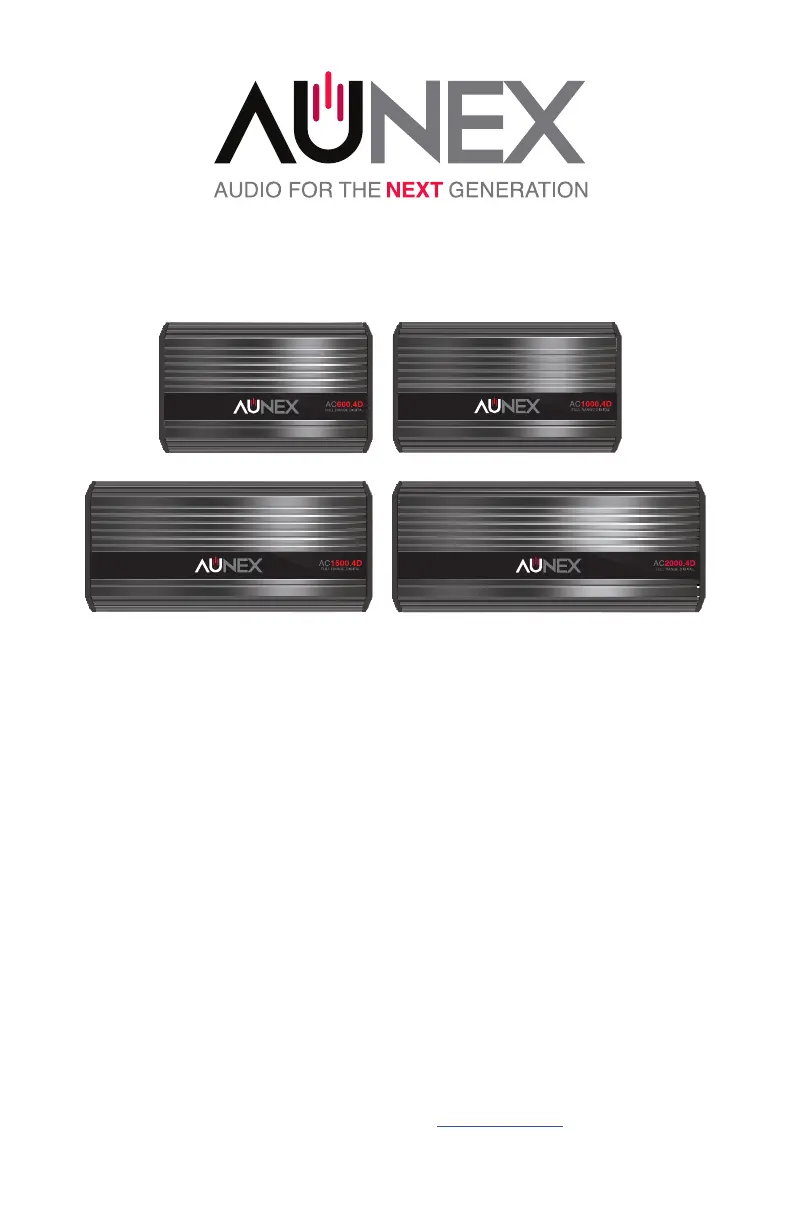
AC Series 4 Channel Ampliers
Compact Full Range Class D Amplier Series
Models: AC600.4D, AC1000.4D, AC1500.4D, AC2000.4D
Installation and Operation Manual
Please take time to thoroughly read through this manual to familiarize yourself with your new amplier.
This will ensure that your amplier will perform at its optimum capabilities.
Para obtener una copia de este manual en español, visite www.aunexusa.com y luego vaya a la página
del producto que necesita. Haga clic en la pestaña Soporte y descargue su manual en español.

Questions and Answers

  • K
    Katelyn CooperAug 9, 2025
    How to fix distorted sound from Aunex AC2000.4D?
    • J
      Jessica BrownAug 9, 2025
      If you're experiencing distorted sound from your Aunex Amplifier, try readjusting your amplifier's gain to a lower setting. You can also try readjusting your source unit volume or the Boost EQ.
  • S
    Sheri CarrilloAug 15, 2025
    What to do if Aunex Amplifier powers up but there is no sound?
    • A
      Amber JordanAug 15, 2025
      If your Aunex Amplifier powers up but produces no sound, you can check your RCA connectors to see if there is a signal using a Digital Multi-Meter to measure AC voltage. Also, check your speakers for any shorts.
  • D
    Donna MckinneyAug 21, 2025
    How to stop hissing noise from Aunex AC2000.4D Amplifier?
    • C
      Cynthia AllenAug 21, 2025
      If you hear hissing or engine noise from the speakers connected to your Aunex Amplifier, consider these steps: * Readjust your amplifier's gains to a lower setting. * Readjust your source unit volume. * Ensure your RCAs and speaker wires are routed away from your power and ground connections. * Remove existing ground wires for all electrical components and reground them to a different, clean, rust-free location. * Add a secondary ground cable from the negative battery terminal to the chassis metal or engine block of the vehicle. * Check your RCA cables or speaker input for any damage.
  • R
    Richard BatesAug 28, 2025
    What to do if Aunex AC2000.4D Amplifier does not work and no LEDs are on?
    • Z
      Zachary FernandezAug 28, 2025
      If your Aunex Amplifier isn't working and no LEDs are lit, check if the Power, Remote, and Ground are properly connected to the amplifier. Verify the Power and Remote Turn-on lead have the correct +12 Voltage (acceptable range: 12-16 Volts DC). Inspect the inline fuse and replace it if needed.
  • M
    Melinda HallSep 2, 2025
    Why is the logo LED red on my Aunex AC2000.4D?
    • A
      Alice LoweSep 2, 2025
      If the Logo Status LED on your Aunex Amplifier is red, indicating the protection circuit is active, the amplifier might be in thermal protection due to overheating. Check the inline fuse and replace it if necessary. Also, check the voltage at the amplifier power input terminals.

Summary

Installation and Mounting

Important Safety Considerations

Provides crucial safety instructions to prevent personal injury and equipment damage.

Important Installation Precautions

Outlines essential precautions for the safe and correct installation of the amplifier.

Side Panel Layout and Controls

Audio Adjustment Controls

Explains the function of Input Gain, Boost EQ, and Crossover filter controls.

Connection Terminals

Details speaker outputs, +12V, remote, and ground connection terminals.

Power Connection

Installation Diagrams

Technical Specifications

Troubleshooting

Aunex AC2000.4D Specifications

General IconGeneral
Channels4
Power Output2000W
RMS Power @ 4 Ohms150W x 4
RMS Power @ 2 Ohms250W x 4
RMS Power @ 4 Ohms Bridged500W x 2
Frequency Response20Hz - 20kHz
Signal-to-Noise Ratio>90dB
THD<0.05%
Input Sensitivity200mV - 6V
Fuse Rating30A x 2
Operating Voltage11V - 16V

Related product manuals