4 ENGLISH
OPERATION
INSTALLATION
PaperShredder
OperatingInstructions
Installation
Operation
Maintenance
Troubleshooting
Service Center
Limited Warranty
*ONEFOLDEDSHEETOFPAPEREQUATESTO2SHEETSOFPAPER
Heavier paper, humidity or other than rated voltage may reduce shredding capacity.
Sheet Capacity
Paper Shred Size
Paper Entry Width
Credit Card / CD Capacity
Duty Cycle
Voltage
12 Sheets of 20 lb. bond paper*
0.16 in. x 0.47 in. pieces
4 mm x 12 mm pieces
8.7 in / 220 mm
1 at a time
5 min. on / 45 min. off
120V~60Hz / 3.5 A
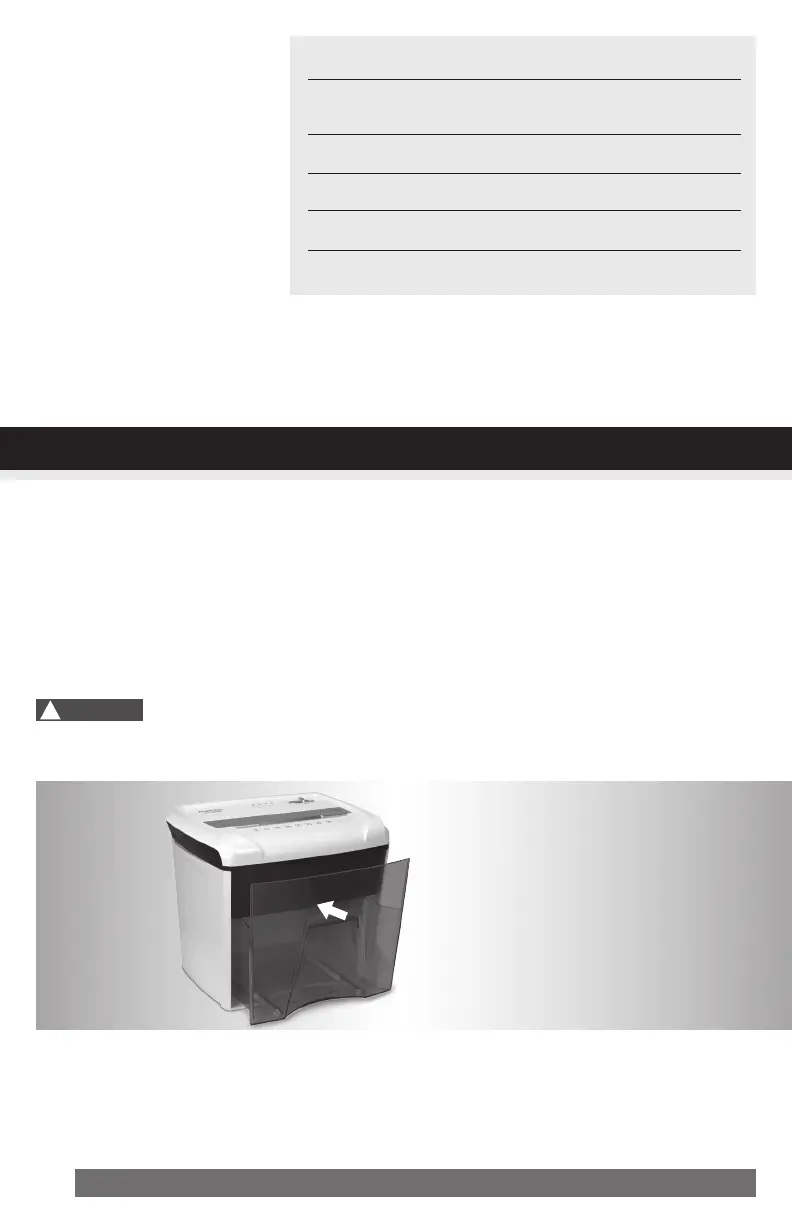
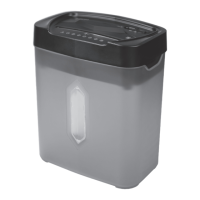
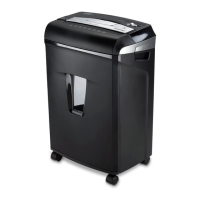
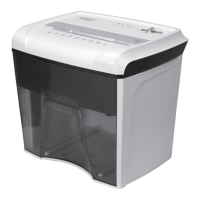
1. Make sure the basket door is securely closed shut. This shredder features a safety power cut off and
will not operate if door is open. Shredders with pull-out wastebaskets feature a safety power cut off
upon bin removal. The supplied wastebasket activates this switch, which allows the shredder to be
operable. (FIGURE 1)
2. A socket-outlet should be near the equipment and be easily accessible.
3. Connect the power cord to any standard 120 volt AC outlet.
Micro-cut shredders have very sharp exposed blades on the underside.
!
Caution:
FIGURE1


 To Next Page