
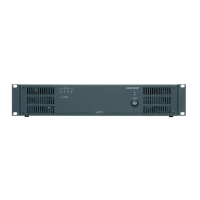
 Need help?
Do you have a question about the AUSTRALIAN MONITOR AMIS480P and is the answer not in the manual?
 General
| Power Output | 480W |
|---|---|
| Channels | 2 |
| Signal to Noise Ratio | >100 dB |
| Damping Factor | >200 |
| Amplifier Type | Power Amplifier |
| Input Sensitivity | 0.775V |
| Input Impedance | 20k Ohms |
| Frequency Response | 20Hz - 20kHz (+/-0.5dB) |
| Inputs | XLR |
| Outputs | Binding Posts, Speakon |
| Protection | Short Circuit, Thermal, DC |
| Dimensions | 88mm x 482mm |
Indicates output signal level and clipping for each channel (Green for present, Red for clip).
Illuminates when the amplifier overheats, causing channels to mute.
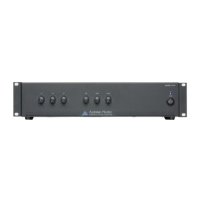
Main switch to turn the amplifier power on or off from the mains input.
LED that shows if the amplifier is powered on.
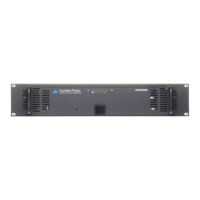
Vents for fan-assisted airflow to cool the amplifier's heatsinks.
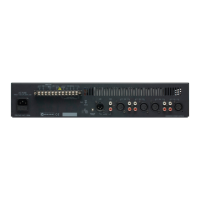
Standard IEC socket for mains connection, including fuse details and replacement.
Switch for mains voltage selection and binding posts for 24VDC emergency power.
XLR inputs for signal source and level pots to control signal gain per channel.
Switches for routing input signals and DIP switches for lifting input ground pins.
Terminal strips for speaker connections and exhaust vents for heat dissipation.
Recommendations for rack mounting clearance and ensuring proper airflow for cooling.
Instructions for connecting balanced/unbalanced inputs and selecting appropriate wire sizes for outputs.
How to configure individual channels or link them for multi-zone audio distribution.
Guide to diagnosing and resolving problems like no power, distortion, or thermal shutdown.


 To Next Page
