
 Need help?
Do you have a question about the AUSTRALIAN MONITOR CM500 and is the answer not in the manual?
 General
| Brand | AUSTRALIAN MONITOR |
|---|---|
| Model | CM500 |
| Category | Amplifier |
| Language | English |
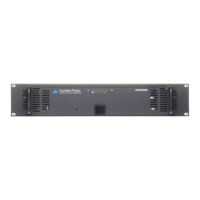
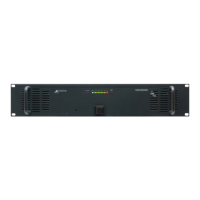
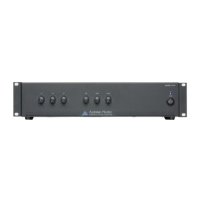
Controls AC power to the amplifier. A blue LED indicates power is on.
Adjusts output level via a recessed pot. Clockwise increases output.
Indicates amplifier status like High Temperature and Power.
Red LED indicates AC power failure when DC supply is present.
10-segment LED meter showing output signal level from -25 to +3 dB.
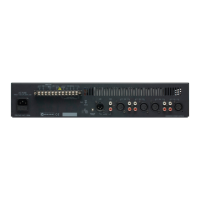
3-pin IEC inlet for mains power, includes fuse holder.
Connects speakers for low impedance (4 ohm) or 70/100V lines.
Connection posts for 24V DC backup power and trickle charging.
Transformer balanced input with parallel output for signal distribution.
Features twin DC fuse receptacles and a temperature-sensitive cooling fan.
Includes saving packaging, checking power, cord care, grounding, and avoiding liquids/heat.
Covers correct voltage, gain control, power switch, signal levels, and avoiding improper connections.
Do not block airflow, remove covers, or operate in unsuitable environments.
Unplug when unused and ensure servicing by qualified personnel.


 To Next Page