86
Language
This option allows you to adjust the display language for the MaxiCheck
system.
To adjust the language setting
1. Tap the Settings application on the MaxiCheck Job Menu.
2. Tap the Language option on the left column.
3. Select the required language. A check mark will display on the
right of the selected language.
4. Tap the Home button on the top left corner to return to the
MaxiCheck Job Menu or select another setting.
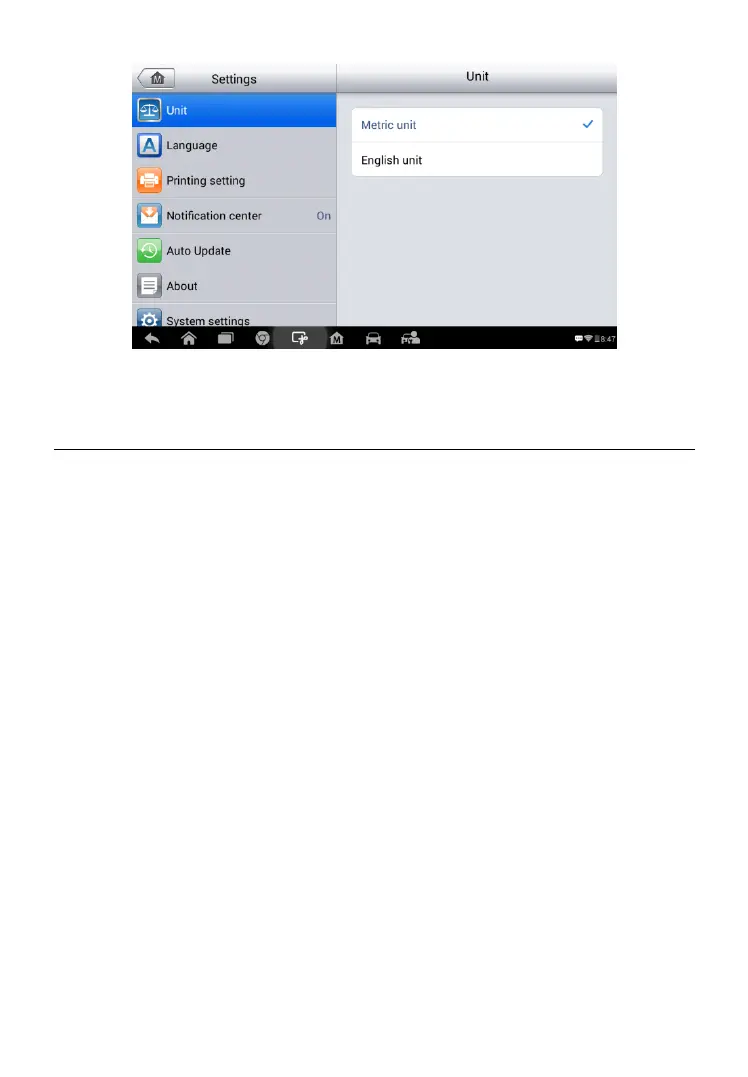
Figure 8-1 Sample Unit Setting Screen



 To Next Page