71
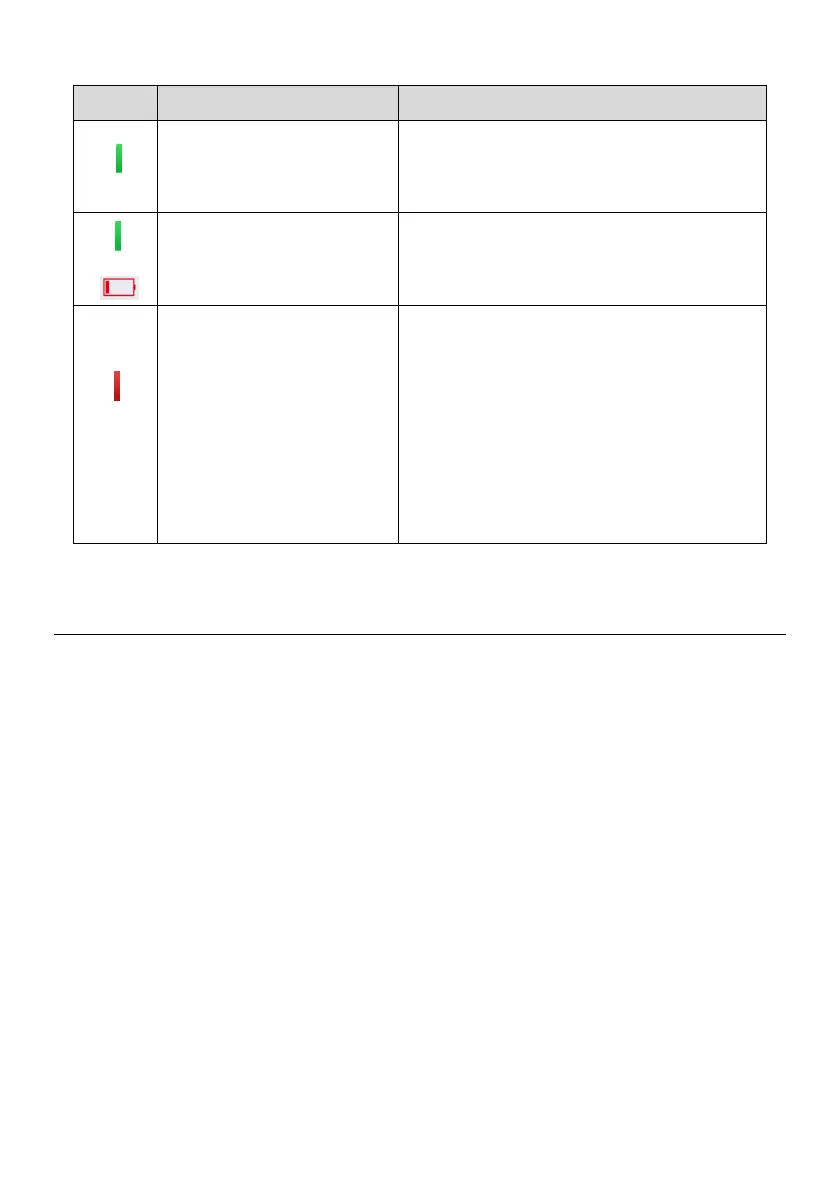
Table 6-2 Possible Results for Triggering
TPMS sensor is successfully activated and
decoded. The table displays the sensor
information.
TPMS sensor is successfully activated and
decoded and the battery level of the sensor
is low.
If the search period expires and no sensor
is activated or decoded, the sensor may be
mounted incorrectly or does not function.
The table displays “Failed”.
If a sensor with a duplicate ID has been
read, the screen displays a message
“Sensor ID duplicated”.
Repeat the test procedure.
TPMS Diagnosis
The Diagnosis function is used to check the status of the TPMS system. This function
requires connection with the test vehicle.
Establish Vehicle Communication
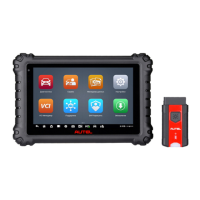
The MX808TS Diagnostics Platform connects to the test vehicle using the MaxiVCI Mini.
Perform the following steps to establish communication between the vehicle and the
tablet:
1. Connect the MaxiVCI Mini to the vehicle’s DLC for both communication and power
supply.
2. Connect the MaxiVCI Mini to the tablet via Bluetooth pairing.
3. A green check will display atop the VCI navigation button at the bottom of the screen
if communication has been established and the MX808TS is ready to start vehicle
diagnosis.
Vehicle Connection
The tablet communicates with the vehicle via the Bluetooth connection provided by the
MaxiVCI Mini.










 To Next Page